
S3Drive
Community / support / cant connect to google drive



crypt overlay and one without.
Unencrypted files won't be visible in crypt as once enabled it considers unencrypted files incorrect.
On the other hand, when you upload files to crypt, they will be visible under regular account, but filenames will look similarly to this: c29tZXRoaW5nbGtl.
It's recommended to not mix unencrypted and encrypted files under one directory.
It is possible to enable crypt only as a subfolder/vault. That would require changing crypt configuration, but that's easy.
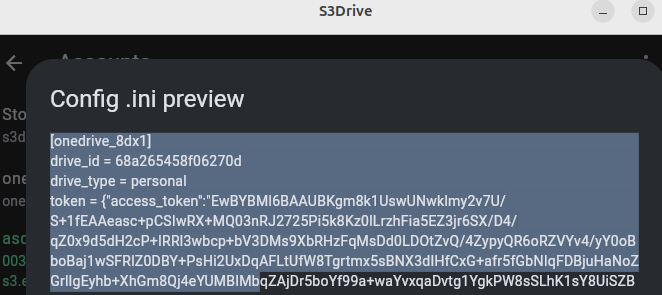
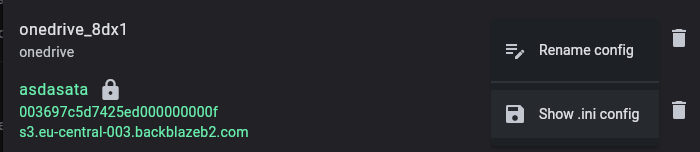
You could use Show .ini config to display crypt version. In your case it would look similarly to this:
[crypt_drive_xe76]
directory_name_encryption = true
filename_encoding = base64
filename_encryption = standard
password = uFYfPzD9vTxs1NdA65mmHORpSfnqOg
remote = drive_xe76:
suffix = none
type = crypt
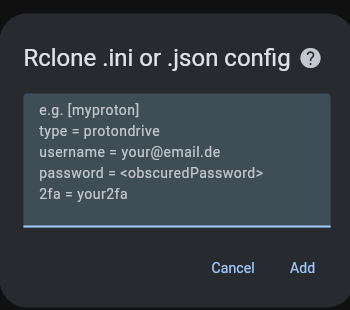
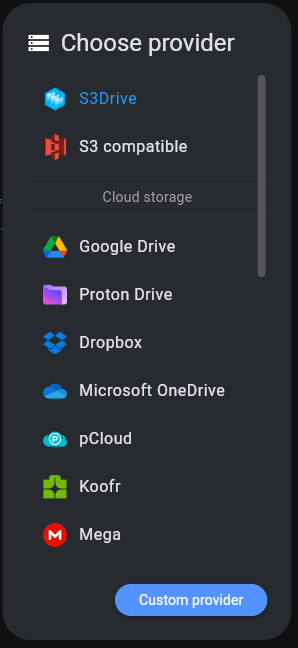
You can then change line: remote = drive_xe76: to remote = drive_xe76:encryptedFolder and reimport it all back using Custom Provider button like this:
[crypt_drive_xe76]
directory_name_encryption = true
filename_encoding = base64
filename_encryption = standard
password = uFYfPzD9vTxs1NdA65mmHORpSfnqOg
remote = drive_xe76:encryptedFolder
suffix = none
type = crypt
Please note that your password field will be different (don't disclose that to anyone).
That would allow you using drive_xe76 as it is (unencrypted), but when you use crypt_drive_xe76 it would write encrypted data to folder named: encryptedFolder (edited)