Justin
I have a self hosted instance of Versity S3 running, but having a problem getting the app sync functionality to work.
1.) I can manually access the bucket and upload/download files but as soon as I setup a sync task I get the following error: Failed 5 times.
Last error: multipart upload failed to initialise: create multipart upload failed: operation error S3: CreateMultipartUpload, https response error StatusCode: 403, RequestID: , HostID: , api error SignatureDoesNotMatch: The request signature we calculated does not match the signature you provided. Check your key and signing method.
2.) Additionally, I can only select the root of the root of the bucket, and not a sub-folder a the sync target.
Hi @Justin,
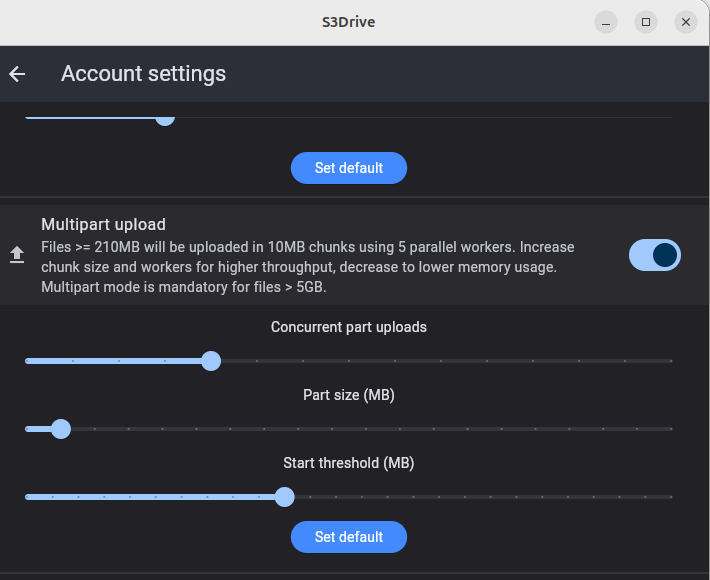
1. Just as a test, can you perhaps try uploading bigger file through S3Drive interface to confirm if multipart upload work on your end?
File must be at least 210MB (if you haven't changed default settings).
2. I am not sure about that one.
Once you click the + to the left of your root it should load available folders, if no folders are present you can create one and then select.
Does that work for you?