Guild icon
S3Drive
Community / support / Error Message with one drive on Android 14 and s3drive v1.15.3

Avatar
Santy_fly2020 10/31/2025 11:56 PM
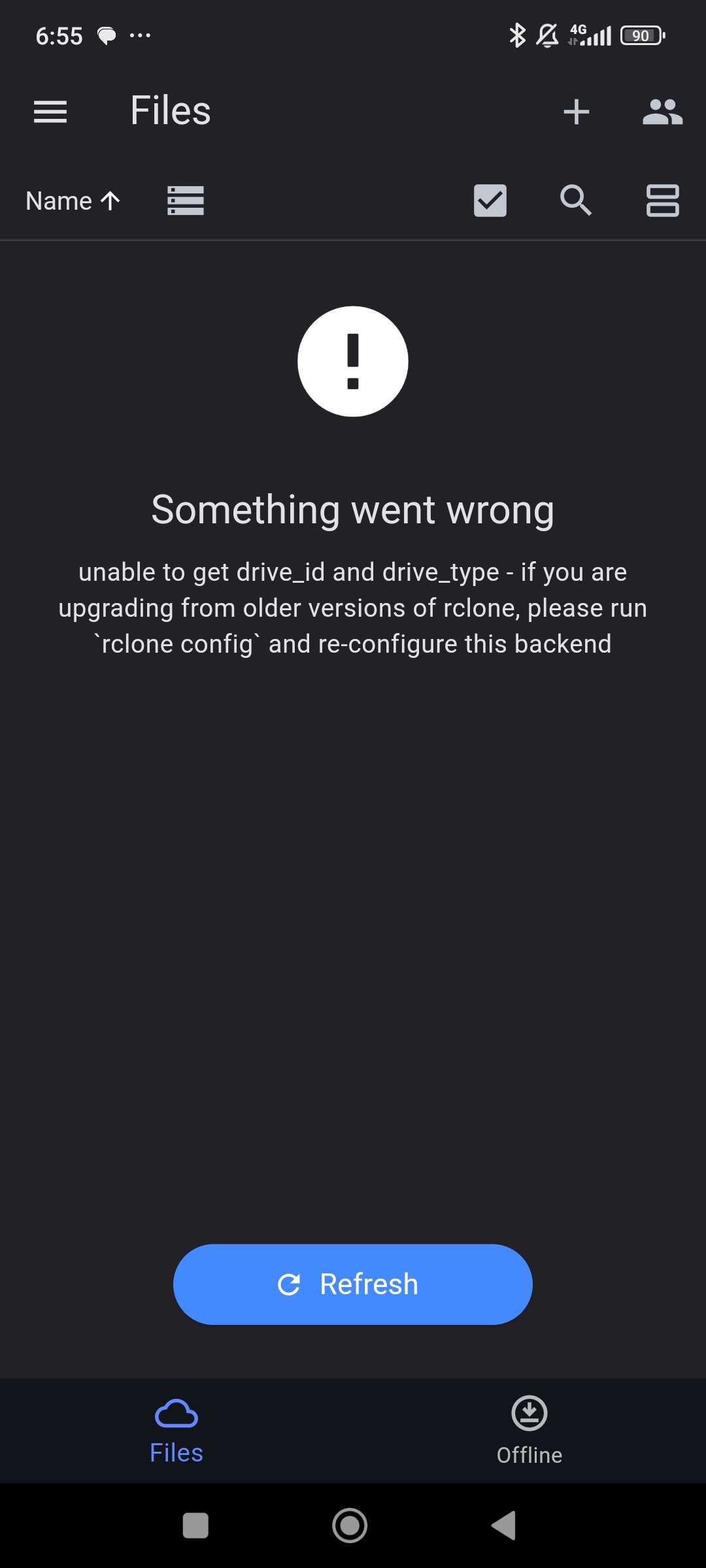
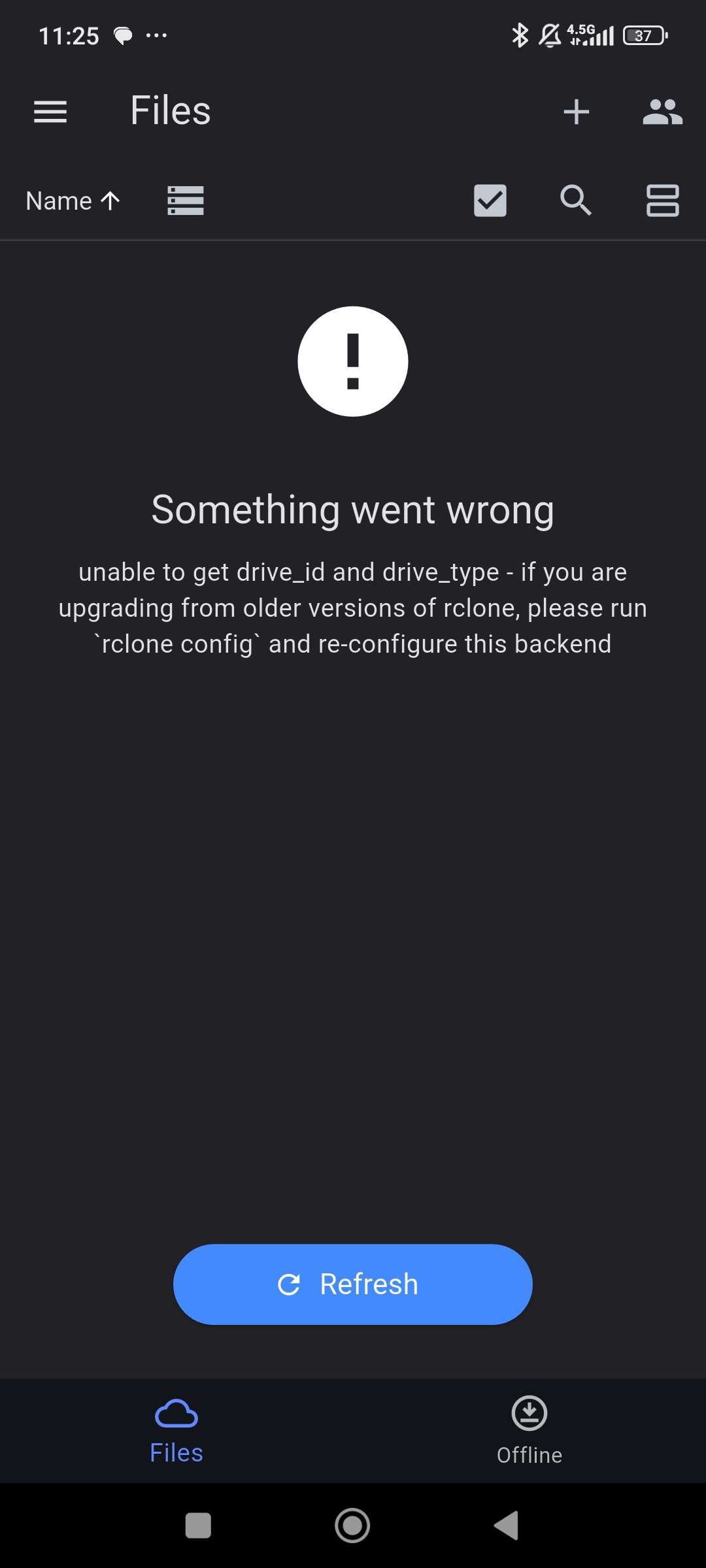
This is the error Message I get after I set up my onedrive account. Is there something I can do in my end? Thank you
Avatar
Hi @Santy_fly2020, thanks for pointing that out. In fact there is an issue with OneDrive setup. We will likely patch that in a few days and include Rclone version update. I will let you know once it's all released. (edited)
👍 1
Avatar
Avatar
Tom
Hi @Santy_fly2020, thanks for pointing that out. In fact there is an issue with OneDrive setup. We will likely patch that in a few days and include Rclone version update. I will let you know once it's all released. (edited)
Santy_fly2020 11/1/2025 4:24 PM
Hi Tom, Thank you! I will look forward to the patch and so far S3DRIVE is a great solution and product. Cheers
❤️ 1
Avatar
Hi again, Fix is available in APK release: https://github.com/s3drive/android-app/releases On Google Play it's pending approval which takes usually somewhere between 24-48 hours. I would appreciate if you could let me know if this resolved your issue once you manage to install 1.15.5 version. (edited)
Avatar
Avatar
Tom
Hi again, Fix is available in APK release: https://github.com/s3drive/android-app/releases On Google Play it's pending approval which takes usually somewhere between 24-48 hours. I would appreciate if you could let me know if this resolved your issue once you manage to install 1.15.5 version. (edited)
Santy_fly2020 11/29/2025 4:32 AM
Hi Tom, sorry for the late reply. I just tried it again and it's still not working. I will try and reply sooner from now on. Cheers
Avatar
Avatar
Tom
Hi again, Fix is available in APK release: https://github.com/s3drive/android-app/releases On Google Play it's pending approval which takes usually somewhere between 24-48 hours. I would appreciate if you could let me know if this resolved your issue once you manage to install 1.15.5 version. (edited)
Santy_fly2020 11/29/2025 8:28 AM
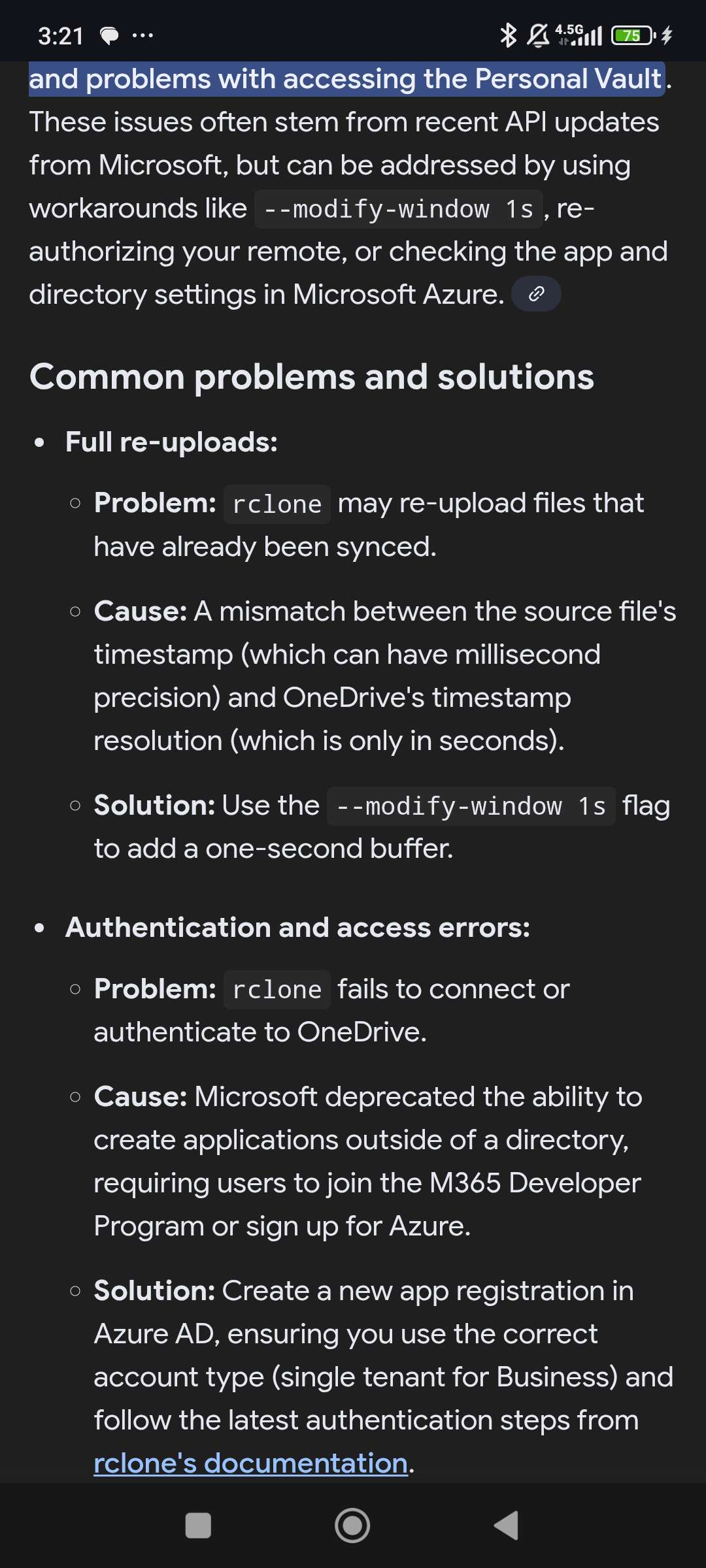
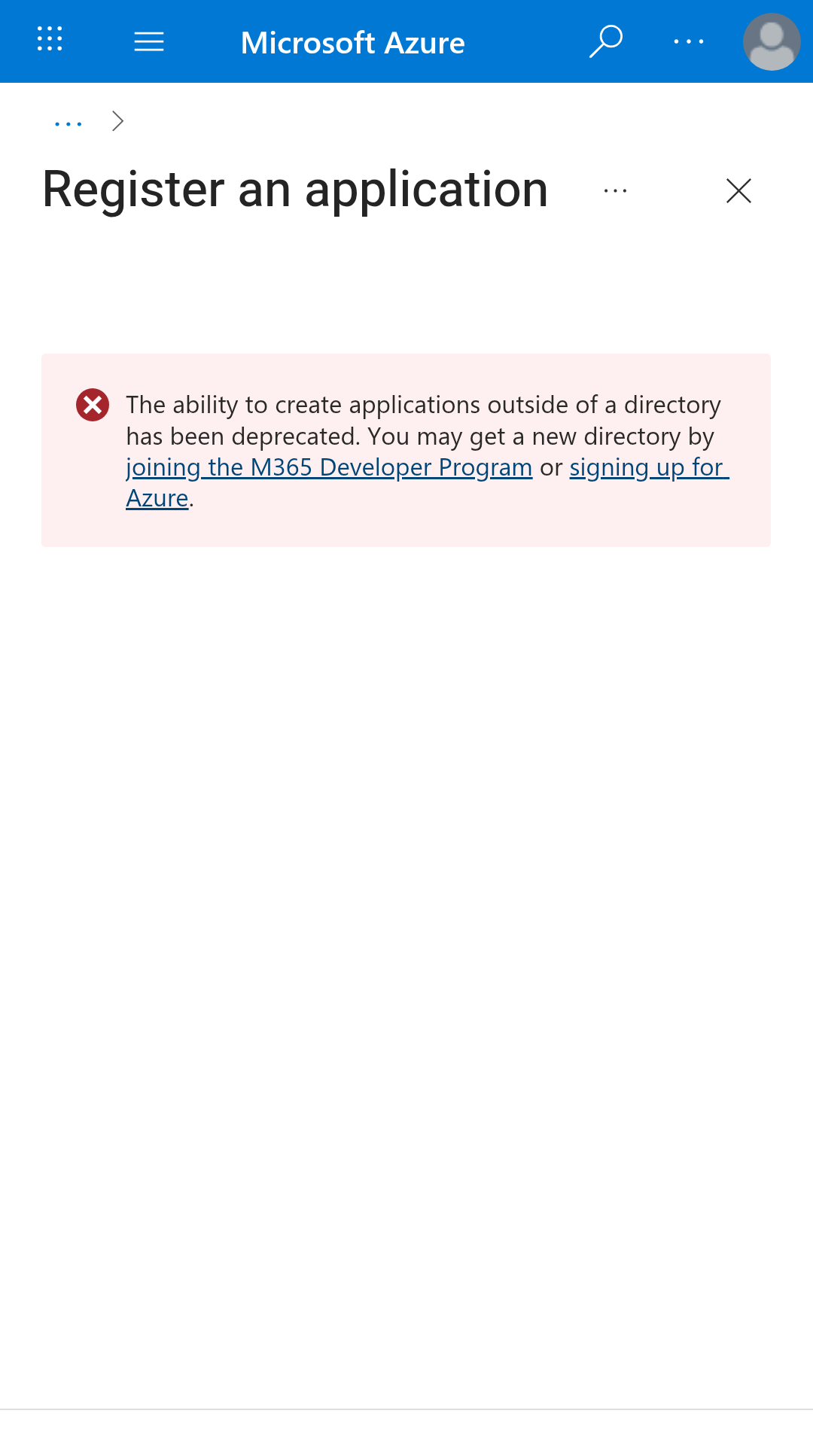
Hi, Again I was doing some research and looks like the problem is with Microsoft as they deprecated the ability to create applications outside of a directory, requiring users to join the M365 Developer Program or sign up for Azure.. I tried to follow the steps on the Rclone website to create my client id and got that error Message as well. I leave you here the screenshots of what I encountered. Cheers
Avatar
I am not entirely sure about that. I've registered fresh Microsoft account and could configure OneDrive just fine. I don't think I was doing anything specifically. In fact there was an issue which in some cases was causing the initial error that you've reported and was subsequently fixed in 1.15.5 The one that you've mentioned just know is some other issue probably related to your account type/configuration. I've found someone facing similar issue and somehow found a way around: https://forum.rclone.org/t/register-an-azure-app-even-after-deprecation-for-use-with-onedrive/51656 Quote:
Here are the steps: Open up the Azure app registrations page. You may need to log in. Try clicking the "New registration" button. You should fail and see what is visible on the screenshot above. Click the "Signing up for Azure" link. You will be presented two options, trial and pay as you go. Click any of them. A sign up form will show up, some details filled and some missing. Fill the required ones with anything that will pass. For me, filling phone with some numbers, address and city with some letters and postal with 3 and 2 numbers (like 123 45) was enough. Continue with the first part of the form. I did a CAPTCHA, checked the first required checkbox and was finally able to click the "Next" button after doing so. Lo and behold, that is it. Wait a few minutes for it to process and you may then see your directory listing. A default one should pop up. Switch to it and you should be able to register your app as per the official instructions. Seemingly, the "Next" button does some magic and somehow creates the default directory even without continuing the form (giving out your credit card info).
Hey there, I have tried to work around the Microsoft limits on creating app registrations and was seemingly successful. This post's purpose is to act as a little guide for you to possibly achieve the same, or at least describe what worked for me if the company decides to sort of "patch" this the next day. Firstly, a little backstory: Previously...
👍 1
Avatar
Avatar
Tom
I am not entirely sure about that. I've registered fresh Microsoft account and could configure OneDrive just fine. I don't think I was doing anything specifically. In fact there was an issue which in some cases was causing the initial error that you've reported and was subsequently fixed in 1.15.5 The one that you've mentioned just know is some other issue probably related to your account type/configuration. I've found someone facing similar issue and somehow found a way around: https://forum.rclone.org/t/register-an-azure-app-even-after-deprecation-for-use-with-onedrive/51656 Quote:
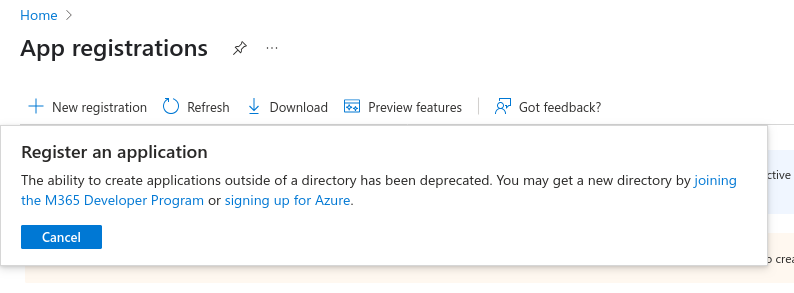
Here are the steps: Open up the Azure app registrations page. You may need to log in. Try clicking the "New registration" button. You should fail and see what is visible on the screenshot above. Click the "Signing up for Azure" link. You will be presented two options, trial and pay as you go. Click any of them. A sign up form will show up, some details filled and some missing. Fill the required ones with anything that will pass. For me, filling phone with some numbers, address and city with some letters and postal with 3 and 2 numbers (like 123 45) was enough. Continue with the first part of the form. I did a CAPTCHA, checked the first required checkbox and was finally able to click the "Next" button after doing so. Lo and behold, that is it. Wait a few minutes for it to process and you may then see your directory listing. A default one should pop up. Switch to it and you should be able to register your app as per the official instructions. Seemingly, the "Next" button does some magic and somehow creates the default directory even without continuing the form (giving out your credit card info).
Santy_fly2020 11/30/2025 3:03 PM
Awesome, thank you. I will follow the steps on that link or create a new onedrive account.
Avatar
Avatar
Tom
I am not entirely sure about that. I've registered fresh Microsoft account and could configure OneDrive just fine. I don't think I was doing anything specifically. In fact there was an issue which in some cases was causing the initial error that you've reported and was subsequently fixed in 1.15.5 The one that you've mentioned just know is some other issue probably related to your account type/configuration. I've found someone facing similar issue and somehow found a way around: https://forum.rclone.org/t/register-an-azure-app-even-after-deprecation-for-use-with-onedrive/51656 Quote:
Here are the steps: Open up the Azure app registrations page. You may need to log in. Try clicking the "New registration" button. You should fail and see what is visible on the screenshot above. Click the "Signing up for Azure" link. You will be presented two options, trial and pay as you go. Click any of them. A sign up form will show up, some details filled and some missing. Fill the required ones with anything that will pass. For me, filling phone with some numbers, address and city with some letters and postal with 3 and 2 numbers (like 123 45) was enough. Continue with the first part of the form. I did a CAPTCHA, checked the first required checkbox and was finally able to click the "Next" button after doing so. Lo and behold, that is it. Wait a few minutes for it to process and you may then see your directory listing. A default one should pop up. Switch to it and you should be able to register your app as per the official instructions. Seemingly, the "Next" button does some magic and somehow creates the default directory even without continuing the form (giving out your credit card info).
Santy_fly2020 11/30/2025 4:37 PM
Hi Again Tom, I created a new account with Microsoft and when asked for the country I put Colombia and it didn't work. So I created another one using a VPN and when asked for the Country I selected the United States. With that setting it worked. Makes me wonder if it could be that the Client_Id that RCLONE created with Microsoft is only to work for some countries? On the other hand. Even if I created my own Client_id on Azure. S3DRIVE won't give me the option to input the Client_id and the Client_Secret. Maybe it could be integrated on the App in the near future. Thanks again, I am all new to this but have learned a lot. Consider my issue fixed. 😁
Avatar
Avatar
Santy_fly2020
Hi Again Tom, I created a new account with Microsoft and when asked for the country I put Colombia and it didn't work. So I created another one using a VPN and when asked for the Country I selected the United States. With that setting it worked. Makes me wonder if it could be that the Client_Id that RCLONE created with Microsoft is only to work for some countries? On the other hand. Even if I created my own Client_id on Azure. S3DRIVE won't give me the option to input the Client_id and the Client_Secret. Maybe it could be integrated on the App in the near future. Thanks again, I am all new to this but have learned a lot. Consider my issue fixed. 😁
Makes me wonder if it could be that the Client_Id that RCLONE created with Microsoft is only to work for some countries?
Possibly. You can always try configuring it through Rclone natively, e.g. on desktop: https://rclone.org/onedrive/ and then import .ini config to S3Drive. using Custom provider button: https://docs.s3drive.app/setup/providers/#choose-your-provider
Rclone docs for Microsoft OneDrive
Personal storage compatible with S3, WebDav and 70+ other Rclone back-ends
Avatar
Avatar
Tom
Makes me wonder if it could be that the Client_Id that RCLONE created with Microsoft is only to work for some countries?
Possibly. You can always try configuring it through Rclone natively, e.g. on desktop: https://rclone.org/onedrive/ and then import .ini config to S3Drive. using Custom provider button: https://docs.s3drive.app/setup/providers/#choose-your-provider
Santy_fly2020 11/30/2025 7:21 PM
I will do that! Thank you!
Exported 11 message(s)
Timezone: UTC+0