Guild icon
S3Drive
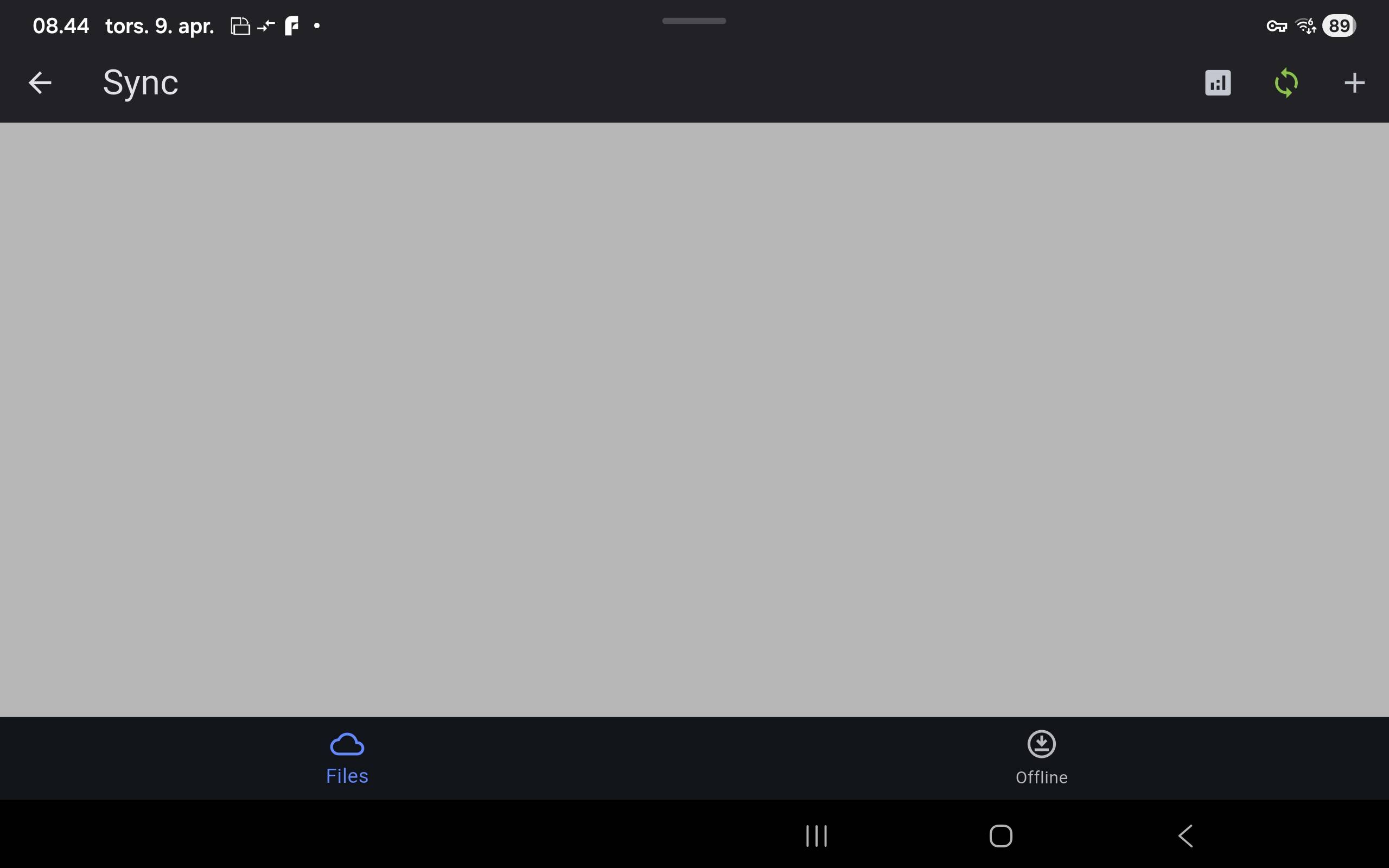
Community / support / Empty sync list - grey screen

Avatar
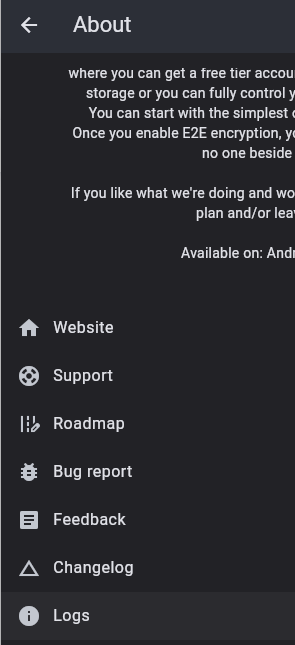
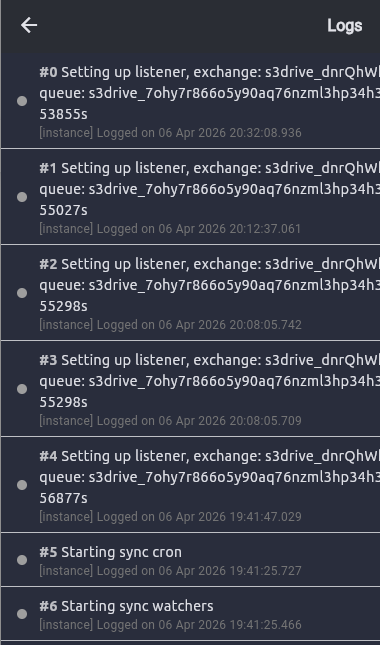
Originally from @John , moved out from General chat: https://discord.com/channels/1069654792902815845/1069654792902815848/1490695707735228436 Issue: I have set up sync jobs using the 'Copy' option. They are working, but I cannot see them under the 'Sync' section. This means I cannot delete or edit them. This is the Android app on a Samsung Galaxy Tab. they seem to see grey screen only: A grey screen with no error and no synclist, just grey === Hi @John, Can you please go to About->Logs and see if there is any error there?
Avatar
Hi @John, we're failing to reproduce this issue. What's your Android version? Is your app install fresh or perhaps you have S3Drive for quita a while?When did you set up your sync jobs, was it recently? Sorry to say that, but since we don't really know why it's happening, would you give it a go and reinstall the app? Thanks!
Avatar
Android 16. I have reinstalled and it is still the same. The sync screen is grey, and I cant see my sync job, and cant delete or change the sync job.
6:46 AM
Screenshot og sync
6:48 AM
I have made a sync job, and it runs, but as you see, there are nothing on the sync screen (edited)
Avatar
Thanks, we're preparing a release with additional error handling / debug info which may resolve this issue and if not, may likely help us to locate source of this problem. I will let you know once it's there.
Avatar
Avatar
John
I have made a sync job, and it runs, but as you see, there are nothing on the sync screen (edited)
Hi @John, By any chance, can you update to latest version and see if you get any error either on the Sync page or in About -> Logs? Much appreciated!
Avatar
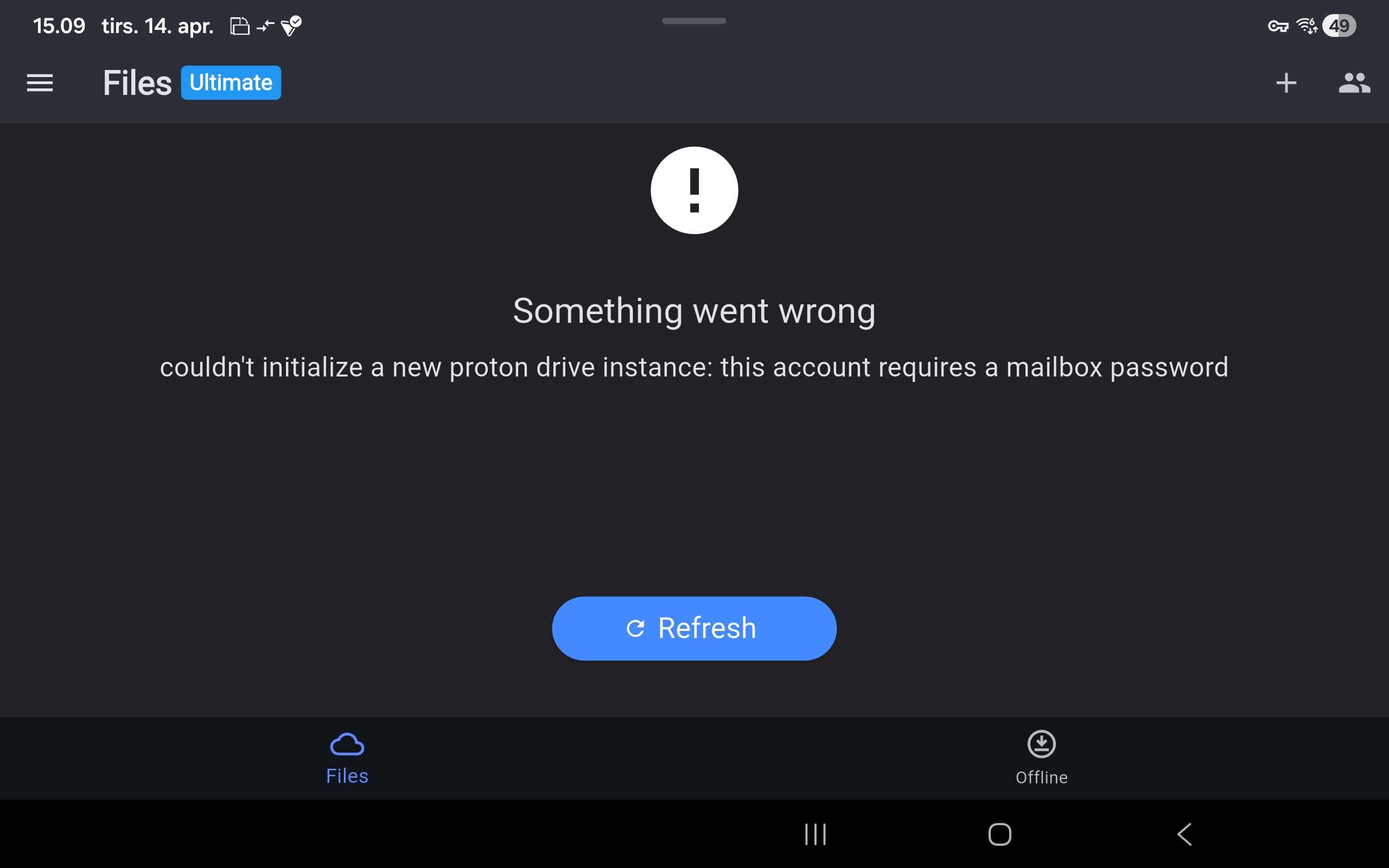
I have updated. This is the About log, and I get a cant sync. (edited)
Avatar
Hi @John, thank you for this, it really helped us! We’ve located the problem and developed a fix on Android. After you update the app problem should go away. Thank you for your patience and sorry for the trouble!
Avatar
Thank you very much for your help; it’s working perfectly now.
Exported 11 message(s)
Timezone: UTC+0