
S3Drive
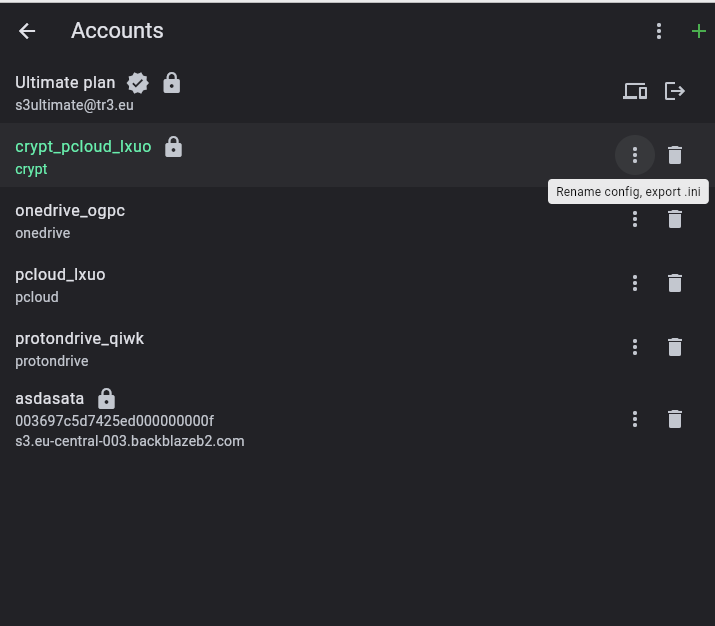
Community / support / E2E Encryption activated linked cloud account its possible set folder instead of direct in root


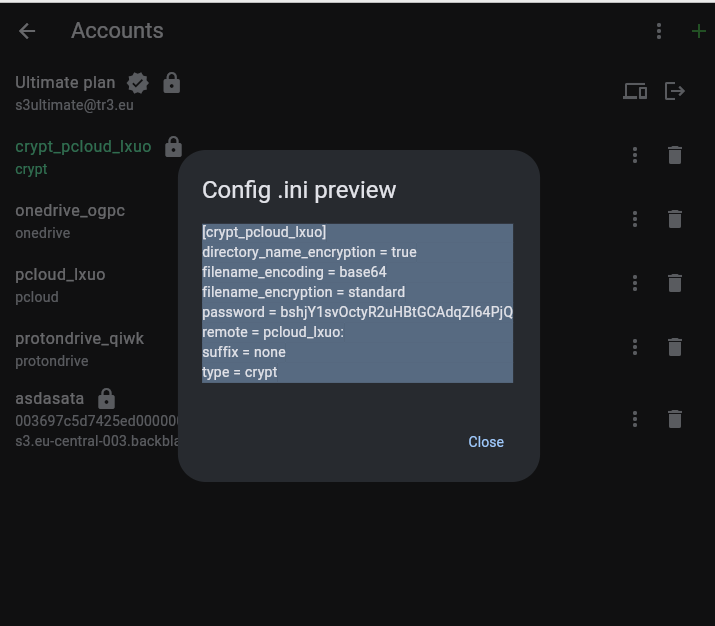
[crypt_pcloud_lxuo]
directory_name_encryption = true
filename_encoding = base64
filename_encryption = standard
password = bshjY1svOctyR2uHBtGCAdqZI64PjQ
remote = pcloud_lxuo:
suffix = none
type = crypt
You can then modify the remote line from:
remote = pcloud_lxuo:
to e.g.
remote = pcloud_lxuo:myEncryptedVault
and reimport config by using Custom provider button and pasting the new config there.
You can also change name from: crypt_pcloud_lxuo to anything of your liking.
In the future this will likely be configurable from the app itself.
I hope this helps!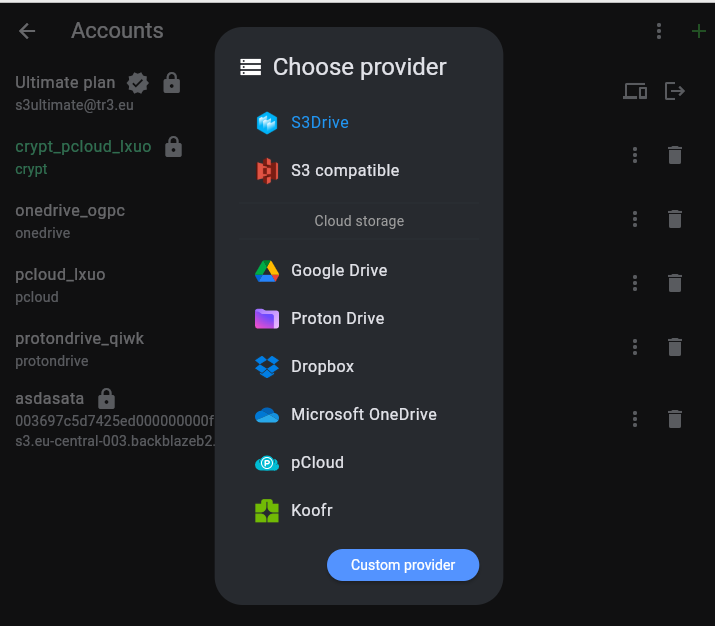
 1
1