calcu007
How download or restore files uploaded with S3 (encrypted) in external cloud?
Hi, I assume that you refer to iOS since your last post mentioned it.
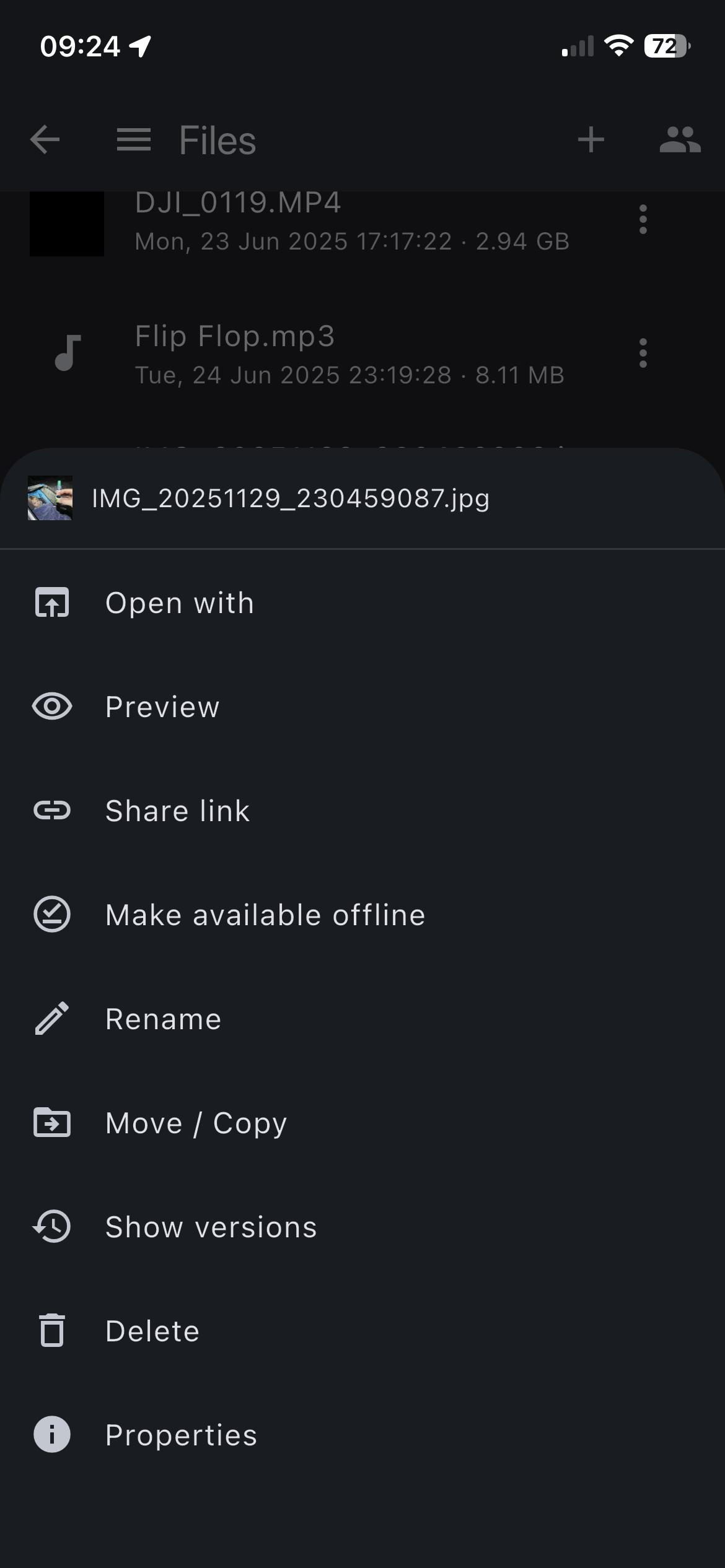
To download, you can use: "Open with" button and then once file opens you can save it using iOS: "Save to files"
If you want to restore file in S3 to e.g. previous version, you can do so by using: "Show versions" and then choose "Restore" button.
I am not sure if this is what you meant though.