Guild icon
S3Drive
Community / support / Bulk restore

Avatar
I'm still struggling a bit with getting sync sorted out to the S3 paid storage, and I've had a couple of incidents where lots of the files that I uploaded have ended up in the trash by mistake. And as far as I can tell, the only way to get them back is to click on each file individually, look at the versions and then select restore file. Is there no way of select all - restore - to put them all back? Otherwise I'm going to be hours manually putting them back, or have to sync them all again, which is also going to take a long time. (It's several hundred Gb of files.) I tried mounting the drive to use my file manager to move them, but I can't see the trash - am I missing something obvious?
Avatar
Hi @SallyK, If you open: "Trash" you can "Select all" and then using top-right 3 dots icon use the "Restore" action. Does it help?
I'm still struggling a bit with getting sync sorted out to the S3 paid storage,
Would you mind opening separate support ticket where you describe your intention and current setup? I would be glad to assist you. Thanks!
Avatar
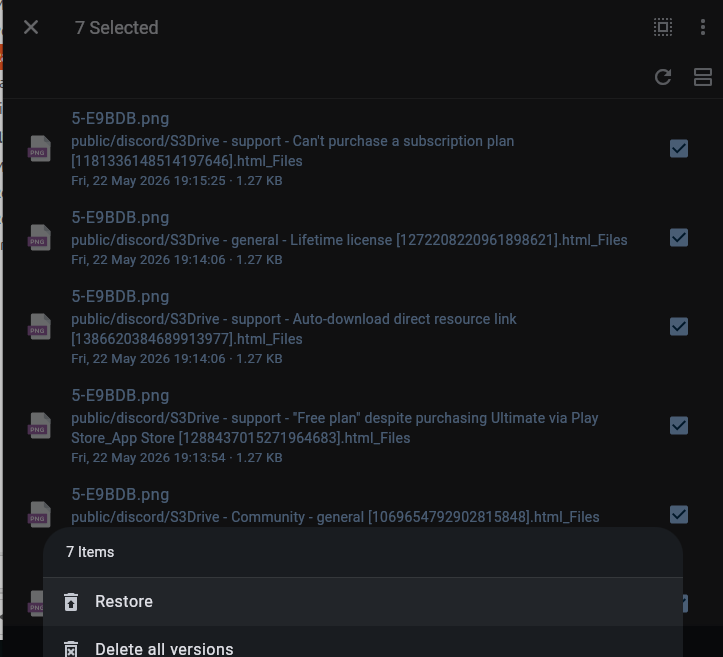
Thank you for getting back to me. I did try that, but I get this
1:14 PM
It doesn't offer restore as an option
Avatar
Avatar
SallyK
Thank you for getting back to me. I did try that, but I get this
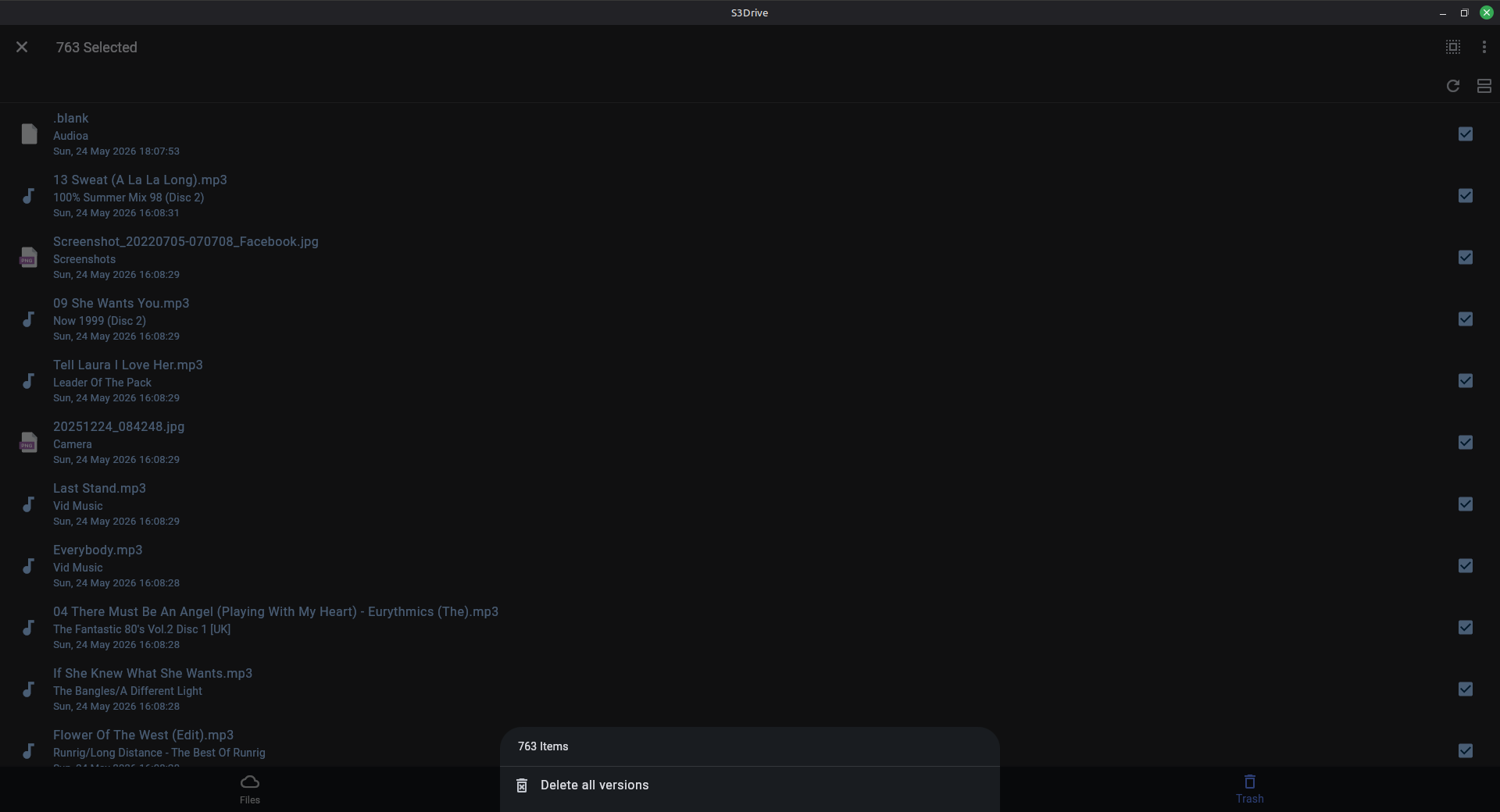
I've checked why this might be, and it happens when some entries are actually so called delete markers without corresponding versions. We could modify S3Drive, to show Restore if there is at least a single valid version selected and then only run Restore on these, skipping other entries. We could possibly implement and deliver that in a few days. Alternatively, before we implement that you could handle that situation with Rclone. You would need to install Rclone: https://rclone.org/downloads/ and then run list command: rclone lsf s3remote:bucket --version-at "2026-05-24" to understand if you get valid versions from that date (regardless if deleted or not). Once you're happy with the output you could perform restore: rclone copy s3remote:bucket s3remote:bucket --version-at "2026-05-24". You could lookup the name of the s3remote by looking inside the rclone.conf. You could get location of Rclone conf by typing: rclone config file. Please note that I haven't tested the above commands, so please use with care. I will let you know once we've made a progress with bulk restore improvements. Thanks! (edited)

Download rclone binaries for your OS.
Avatar
I have rclone installed from Linux Mint's Software Centre, so I tried running the lsf command, but it didn't recognise the --version-at flag.
9:24 PM
The version I have is 1.60.1 - I see the version on the website is 1.74.2. Is the flag a new one, and I need to try the newer version?
9:28 PM
From a selfish point of view, but also to make things simpler in the future for other people who might have a similar problem, it does seem unfortunate that restore doesn't always work. Though I guess if you do make it restore only the valid versions, you'd also have people wondering why all the entries can't be restored. (edited)
Avatar
Hi @SallyK, In our latest version you can select all items and Restore will be presented if at least one version is restorable. Feel free to update S3Drive and give it a go, thanks!
💚 1
Avatar
Thank you, that's great.
Exported 10 message(s)
Timezone: UTC+0