Guild icon
S3Drive
Community / support / Android - Missing sync configs

Avatar
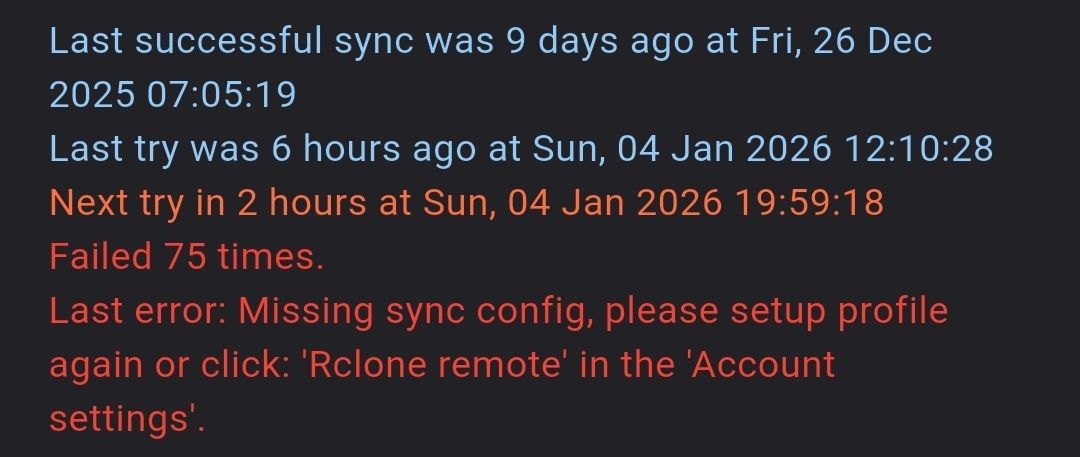
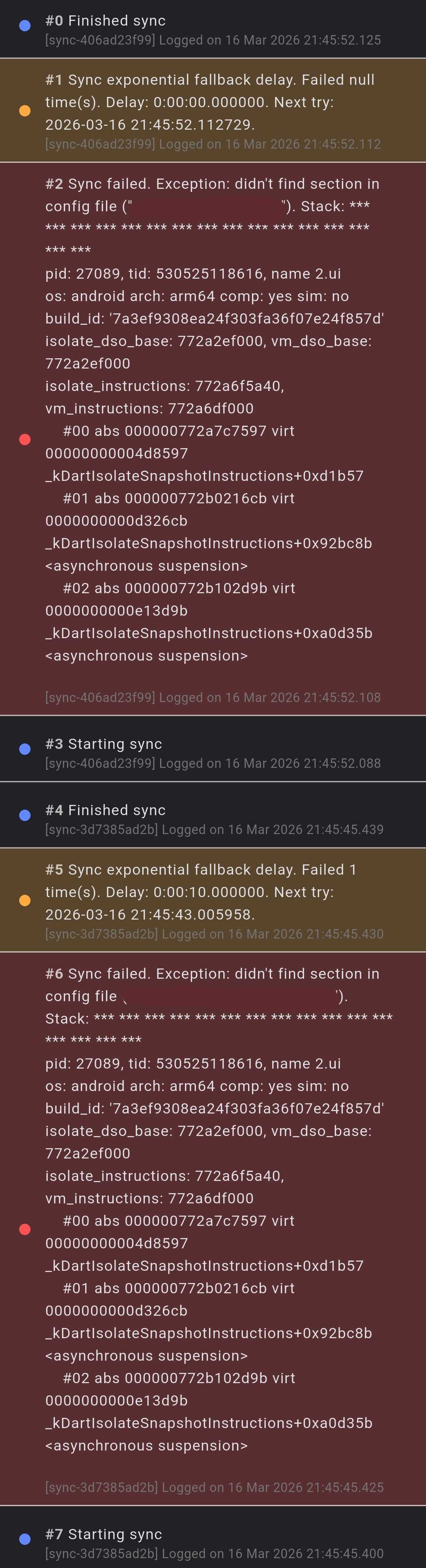
Hi @Tom, Usually, at least once per day, I get the following error on a sync task with an S3 bucket: Last error: Missing sync config, please setup profile again or click: 'Rclone remote' in the 'Account settings'. #22 Sync failed. Exception: didn't find section in config file ("s3drive_enc_Bucket"). Stack: * * * * * * * * * * * * * * * * pid: 28029, tid: 482221940888, name 6.ui os: android arch: arm64 comp: yes sim: no build_id: '4f1bdaeddcaca841128a5ff37872a6aa' isolate_dso_base: 6bee84d000, vm_dso_base: 6bee84d000 isolate_instructions: 6beec53940, vm_instructions: 6beec3d000 #00 abs 0000006beed20d57 virt 00000000004d3d57 _kDartIsolateSnapshotInstructions+0xcd417 #01 abs 0000006bef56d40b virt 0000000000d2040b _kDartIsolateSnapshotInstructions+0x919acb <asynchronous suspension> #02 abs 0000006bef6538cb virt 0000000000e068cb _kDartIsolateSnapshotInstructions+0x9fff8b <asynchronous suspension> #03 abs 0000006bef66bb0f virt 0000000000e1eb0f _kDartIsolateSnapshotInstructions+0xa181cf <asynchronous suspension> #04 abs 0000006bef5aa663 virt 0000000000d5d663 _kDartIsolateSnapshotInstructions+0x956d23 <asynchronous suspension> #05 abs 0000006bef68dea7 virt 0000000000e40ea7 _kDartIsolateSnapshotInstructions+0xa3a567 <asynchronous suspension> The fixes mentioned in the first line of the error are only temporary. I have multiple S3 accounts and sync tasks set up, and in some cases I use the same bucket with different credentials. Also, when I set a custom name for an S3 account, it does not update in already existing sync tasks. Could you please look into this? Thanks in advance. Wishing you a Merry Christmas and a Happy New Year. 🎄🎁 🎆 (edited)
Avatar
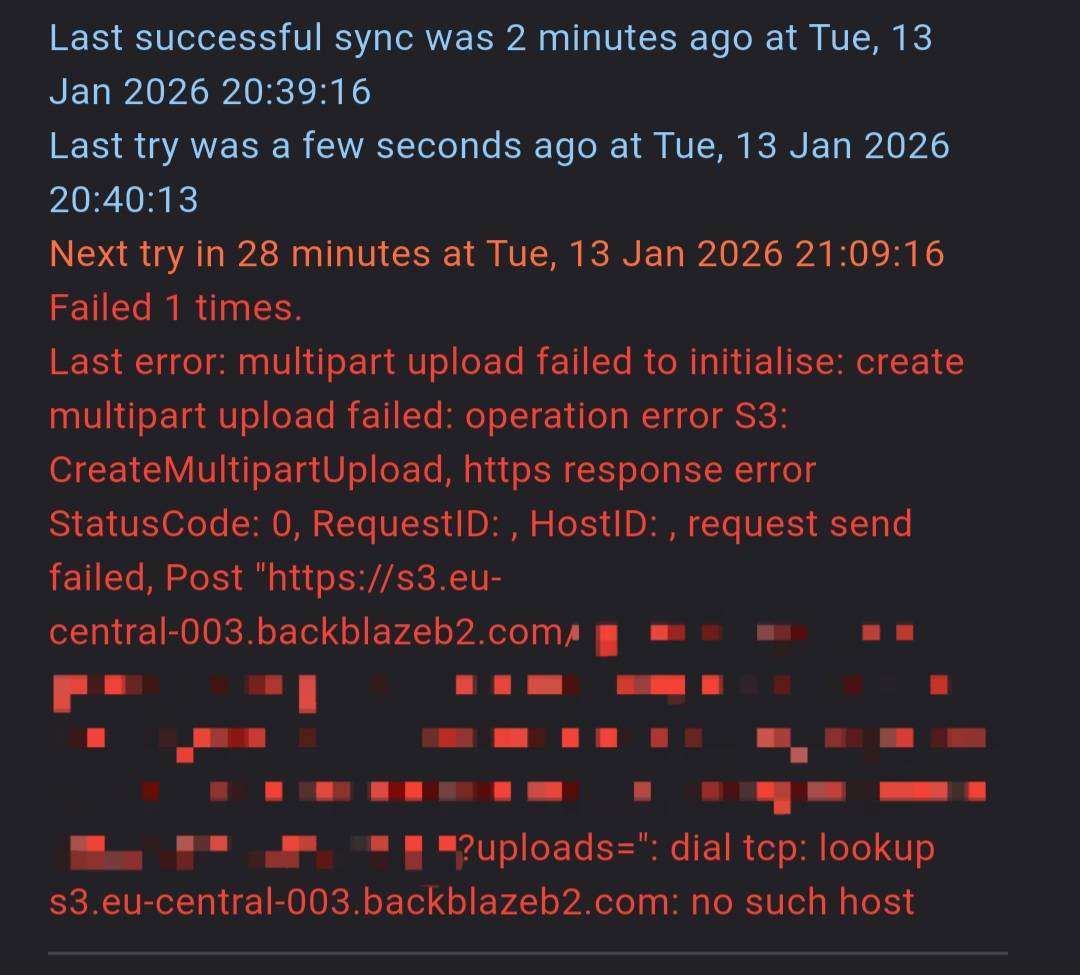
I haven't got a single notification about failed update during holidays and it end up like on the screenshot. Unfortunately, with this behavior is the app unusable for me. 😕
Avatar
Hi @FunnyMarty, Sorry for not getting back to you earlier and Happy New Year!
Also, when I set a custom name for an S3 account, it does not update in already existing sync tasks.
That's a current limitation which we're aware. As far I am concerned there is a relevant prompt that says that user needs to rename all references. We will improve that in the future.
Last error: Missing sync config, please setup profile again or click: 'Rclone remote' in the 'Account settings'.
This error would normally appear after rename, since Sync config would point to old name. As mentioned above, that's current app limitation -> it is required to update Sync after rename. Since you say:
Usually, at least once per day
It seems to be some other issue. Is that external S3 or S3Drive storage? Do you use custom name?
(edited)
Avatar
Avatar
Tom
Hi @FunnyMarty, Sorry for not getting back to you earlier and Happy New Year!
Also, when I set a custom name for an S3 account, it does not update in already existing sync tasks.
That's a current limitation which we're aware. As far I am concerned there is a relevant prompt that says that user needs to rename all references. We will improve that in the future.
Last error: Missing sync config, please setup profile again or click: 'Rclone remote' in the 'Account settings'.
This error would normally appear after rename, since Sync config would point to old name. As mentioned above, that's current app limitation -> it is required to update Sync after rename. Since you say:
Usually, at least once per day
It seems to be some other issue. Is that external S3 or S3Drive storage? Do you use custom name?
(edited)
Hi @Tom, I set custom names at the beginning and usually don't change them; but when I do, I update my sync tasks as I'm aware that otherwise the Sync won't work. I tried removing the custom name and updating the sync task, but this problem occurs regardless of whether a custom name is set or not. I use external S3 (Backblaze) on a Samsung device running Android 16 with the latest S3Drive (which is mostly running in the background). I have also noticed that this mostly happens on my phone rather than on my tablet, which has the same Android version and brand, but doesn't switch networks from Wi-Fi to cellular. I don't know if this could have an impact, but I rather mention it because it's the only difference I've noticed. (edited)
Exported 4 message(s)
Timezone: UTC+0