Guild icon
S3Drive
Community / support / [iOS] PikPik upload error
Avatar
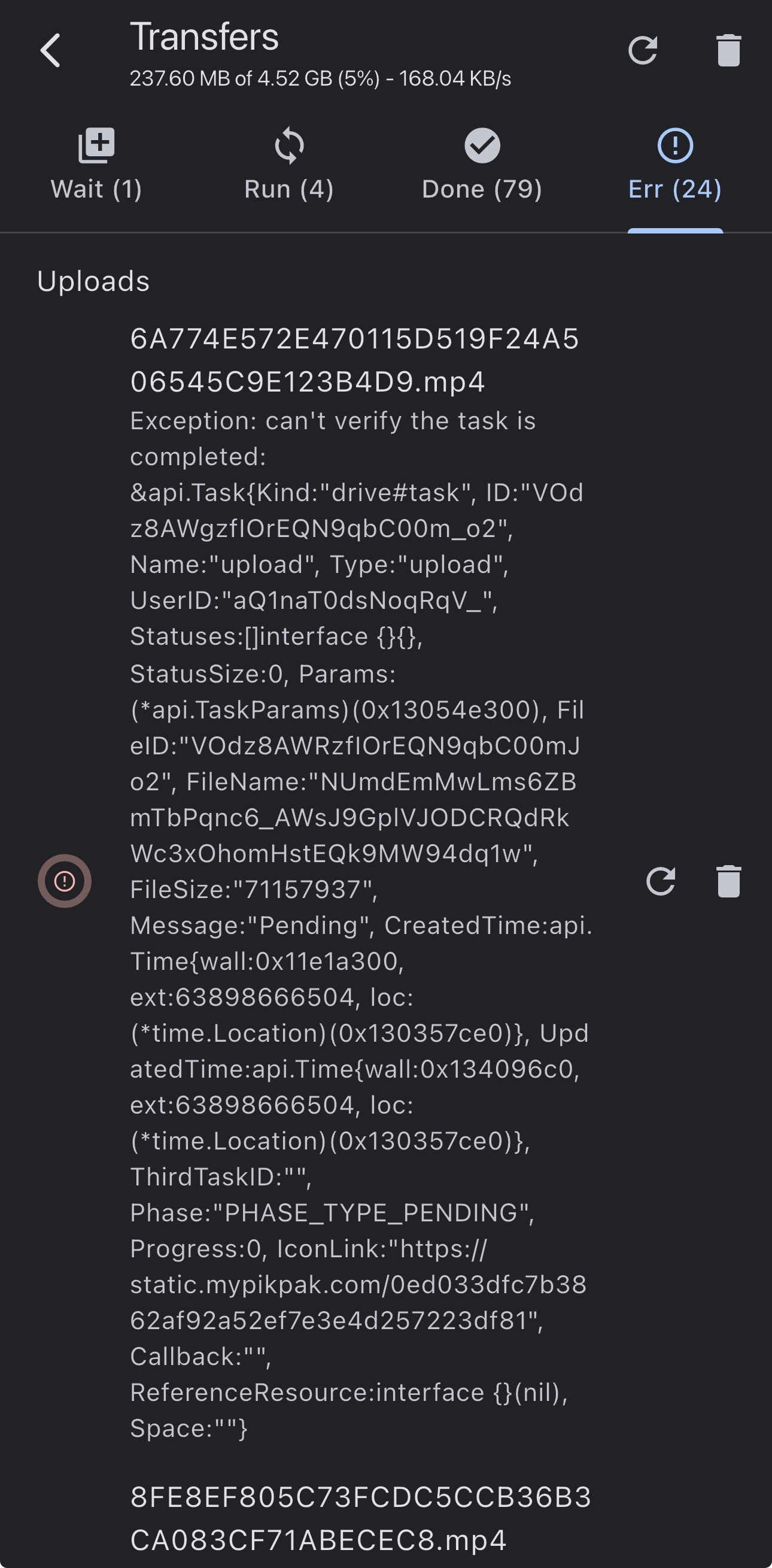
When I upload files to PikPik I get a ton of errors.
10:26 PM
Not PikPik, PikPak 😢
Avatar
This error comes from Rclone integration with PikPak. Not much we can do on S3Drive side. By briefly looking at Rclone code it seems that their (PikPak) endpoint: /drive/v1/tasks didn't return valid response. PikPak was implemented in this issue: https://github.com/rclone/rclone/issues/6429 You can raise an issue with this error here: https://github.com/rclone/rclone/issues By the way, I've tried uploading just now and there was no issue, so it seems PikPak might have some delay/outage in their API which isn't correctly handled by the Rclone integration.
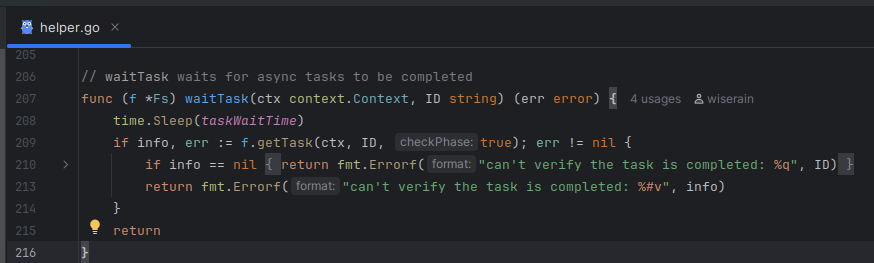
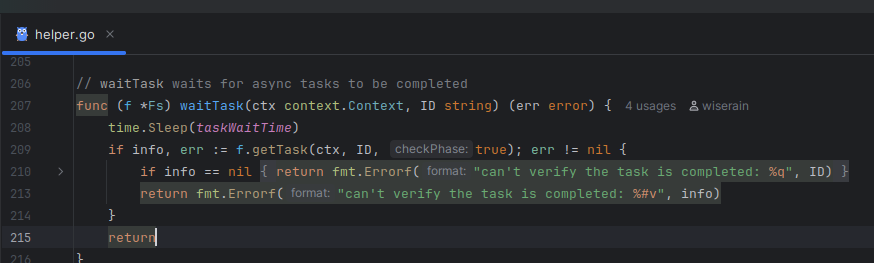
The associated forum post URL from https://forum.rclone.org/t/request-for-yet-another-cloud-support/31315 What is your current rclone version (output from rclone version)? rclone v1.59.1 os/version...
"rsync for cloud storage" - Google Drive, S3, Dropbox, Backblaze B2, One Drive, Swift, Hubic, Wasabi, Google Cloud Storage, Azure Blob, Azure Files, Yandex Files - rclone/rclone
Avatar
Unfortunately, it seems that the server does not currently support uploading with PikPak. I received a reply from the official PikPak ​​administrator. I will give up.😢 Thank you for your reply.
Avatar
That’s strange because it worked during my test.
Avatar
Sorry, what I said above was inaccurate. PikPak ​​doesn't seem to support WebDav uploads, but rclone does offer it as a beta. I'm unable to upload files to a folder I encrypted with rclone. Every file upload gives me an error.
Avatar
[android] upload work well. Use type = pikpak instead of webdav
Avatar
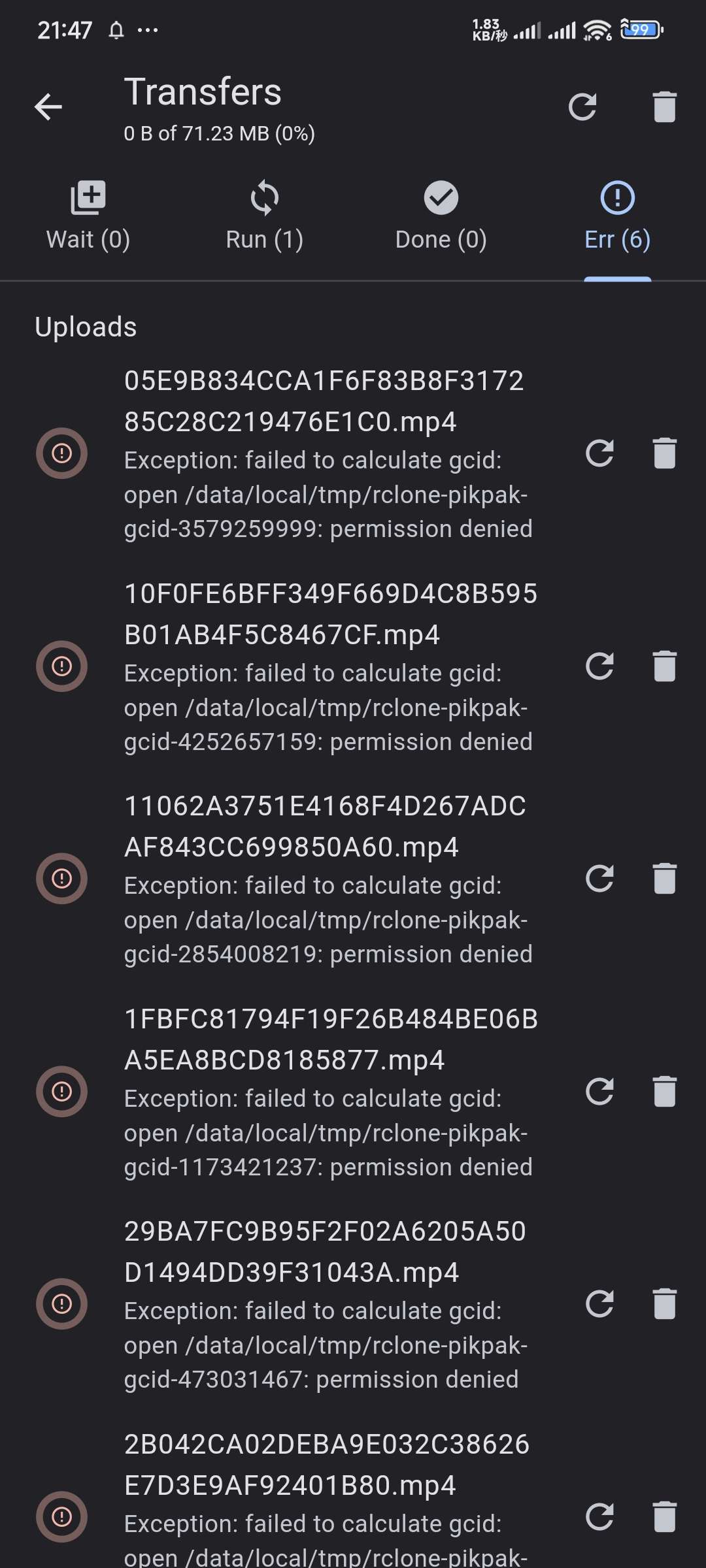
When I encrypt and upload using rclone instead of WebDav on Android with "type = pikpak", I get a lot of errors like the one in the attached image.
12:51 PM
This error doesn't seem to occur when I upload without encryption.
Avatar
Avatar
Star Maakun
When I encrypt and upload using rclone instead of WebDav on Android with "type = pikpak", I get a lot of errors like the one in the attached image.
Looks like it's a cache path issue on Android, will try to address that one: https://discord.com/channels/1069654792902815845/1439458059909992509
Avatar
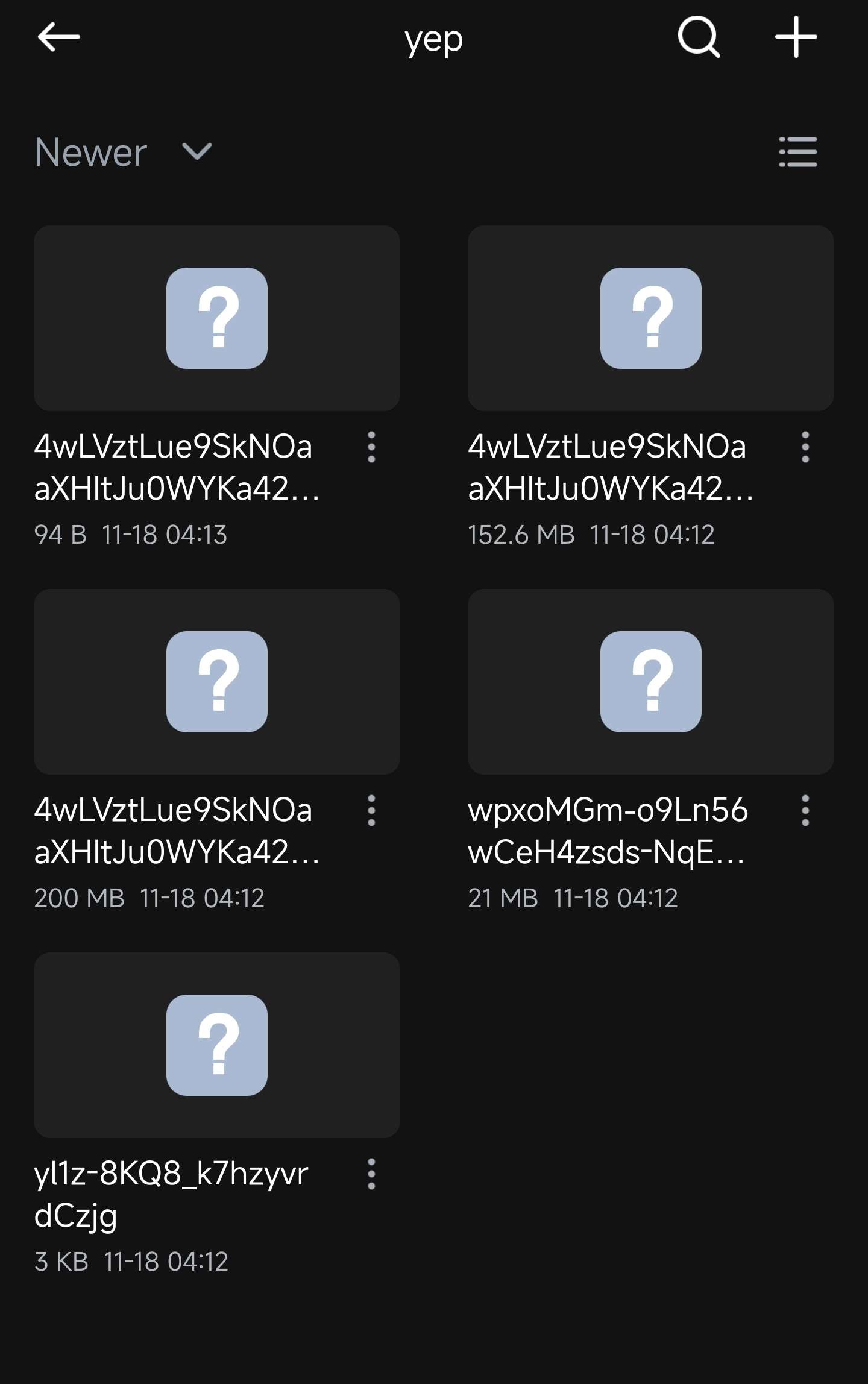
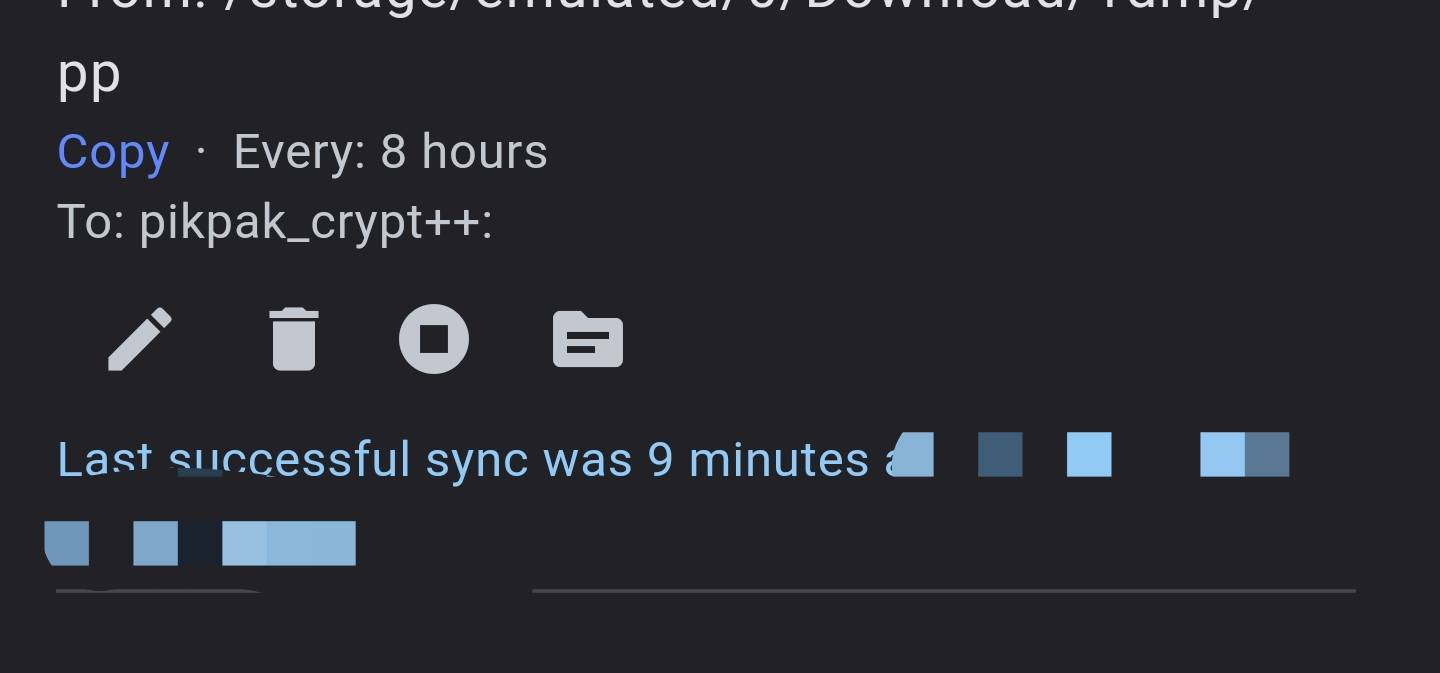
Workaround with hashmemorylimit +chunker ============ [pikpak_chunker] type = chunker chunk_size = 200Mi transactions = norename name_format = *.rc.### remote = pikpak:yep [pikpak_crypt++] type = crypt directory_name_encryption = true filename_encoding = base64 filename_encryption = standard password2 = yoursalt password = yourpass remote = pikpak_chunker: suffix = none [pikpak] type = pikpak ... hash_memory_limit = 201Mi
2:22 PM
Avatar
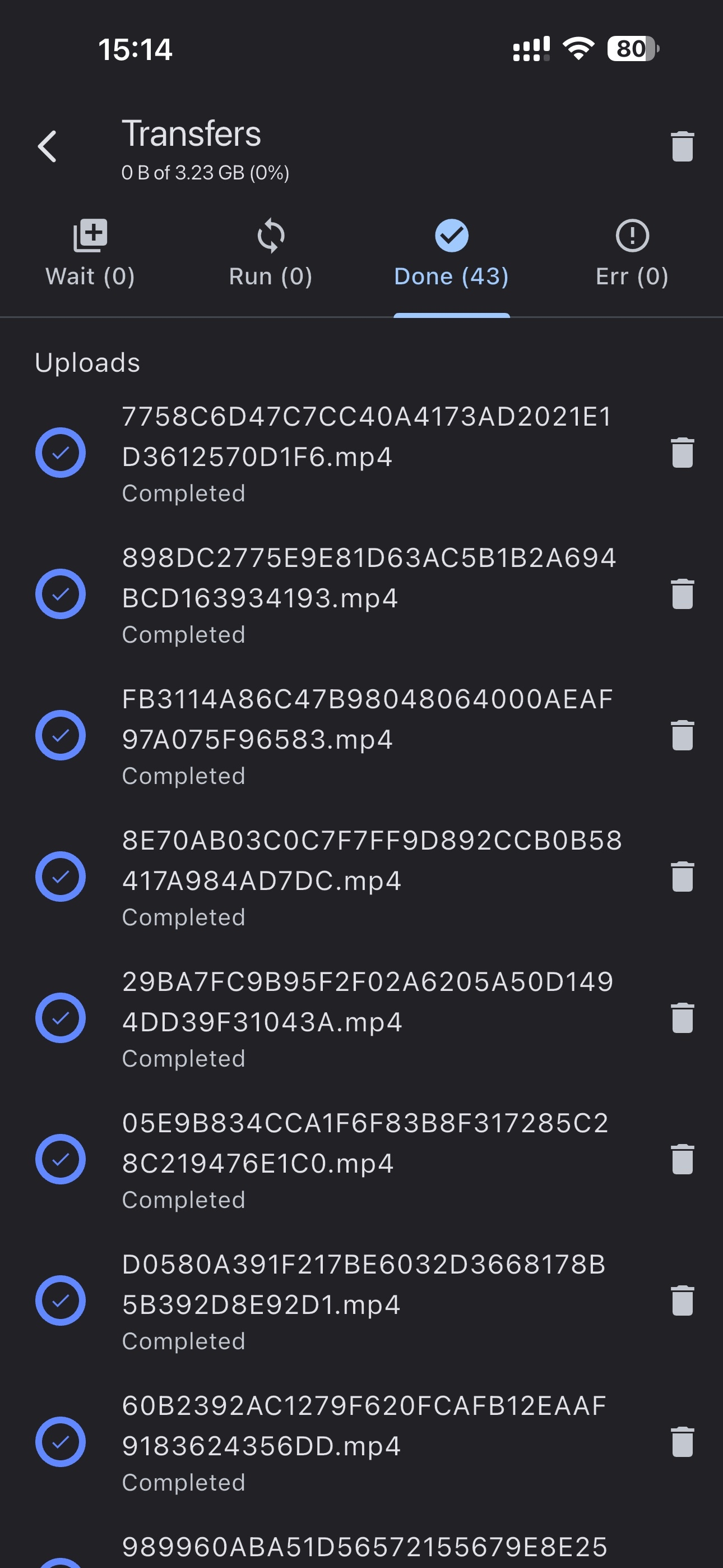
Hi! smad. Thanks to you I was able to upload to the PikPak ​​server without any problems! I really appreciate it. Thank you. Thank you.
Avatar
Avatar
smad
Workaround with hashmemorylimit +chunker ============ [pikpak_chunker] type = chunker chunk_size = 200Mi transactions = norename name_format = *.rc.### remote = pikpak:yep [pikpak_crypt++] type = crypt directory_name_encryption = true filename_encoding = base64 filename_encryption = standard password2 = yoursalt password = yourpass remote = pikpak_chunker: suffix = none [pikpak] type = pikpak ... hash_memory_limit = 201Mi
Thanks for that! Do you know why does it work though and previous doesn't? Does secret lie in chunker or hash_memory_limit or both? (edited)

Avatar
hash_memory_limit - it disable hash (for hashing it require cache folder, "Files bigger than this will be cached on disk to calculate hash if required") https://rclone.org/pikpak/
Rclone docs for PikPak
9:17 AM
it disable cache for pikpak
Avatar
Got it, but is is true that it disables hashes though? The way I understand that is that it disables disk cache. In other words hash is still calculated, but in-memory - since 200MB chunk fits in 201MB (hash_memory_limit) therefore no more issues with local permissions. (edited)
Avatar
i didn't check, but it works
👍 1
Avatar
Avatar
smad
i didn't check, but it works
Cool, thanks for that snippet!
Exported 19 message(s)
Timezone: UTC+0