Guild icon
S3Drive
Community / support / [android] sync mode without access permission will erase remote folder

Avatar
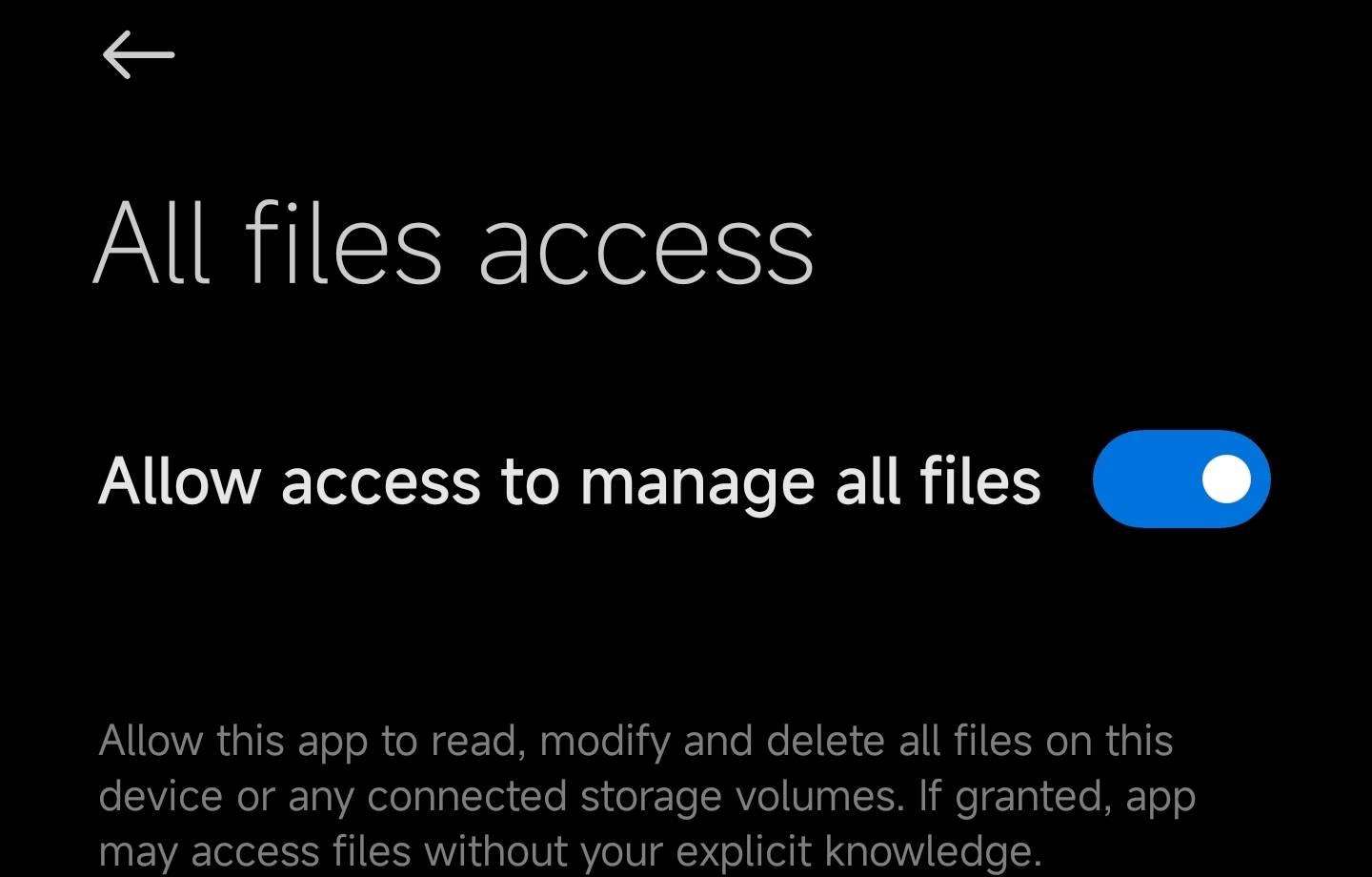
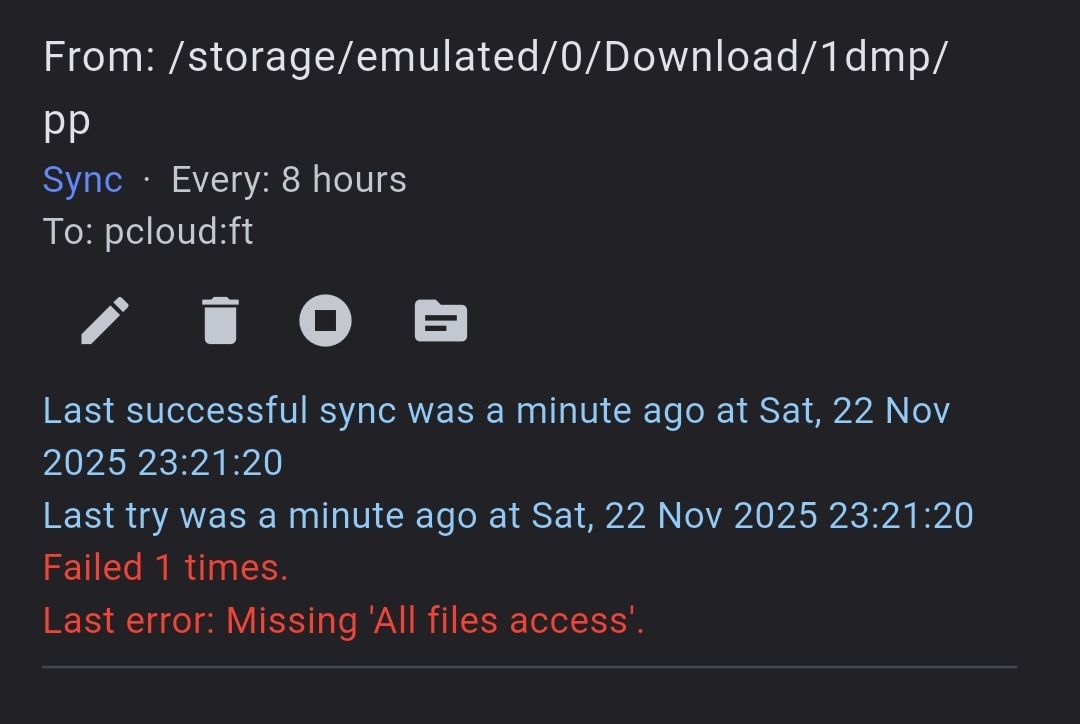
If user or android system decide to disable "all files access" flag, sync operation will erase you remote backup folder Steps: 1) open sync menu 2) create sync with "sync" mode 3)sync data 4)verify that all files synced 5)disable "all files access" flag for s3drive 6)sync data Actual result: remote folder empty Expected result: don't execute sync, notify user about permission
😱 1
Avatar
Hi @smad, thanks for your report. We'll prioritize fixing this issue. In fact Rclone has --max-delete protection for two-way sync which is configurable from the S3Drive, but such protection doesn't exist for one-way sync. We'll implement this permission check.
Avatar
Hi again @smad, it's probably too much too ask, but if you feel like it, feel free to try that test case again in a 1.15.8 release. In principle sync shouldn't start if src path is local and there is no permission on Android.
9:27 PM
@Tom thanks again. Your team is ultra fast!!! I never received a fix from any app faster than your team did; moreover, you solved even 3 of my issues. P.S.: Some issues were not that important to work on during the weekends.
Avatar
Avatar
smad
@Tom thanks again. Your team is ultra fast!!! I never received a fix from any app faster than your team did; moreover, you solved even 3 of my issues. P.S.: Some issues were not that important to work on during the weekends.
I do appreciate you taking time to report and test all of this. We were preparing for a release due to Rclone update anyway, so we've tried to squezze all of the annoyances and critical issues like the one here. The one reported here (losing permission) was pretty unlikely to happen, but potential consequences weren't negligible, so we've decided to increase its priority.
👍 1
s3drive 1
Exported 7 message(s)
Timezone: UTC+0