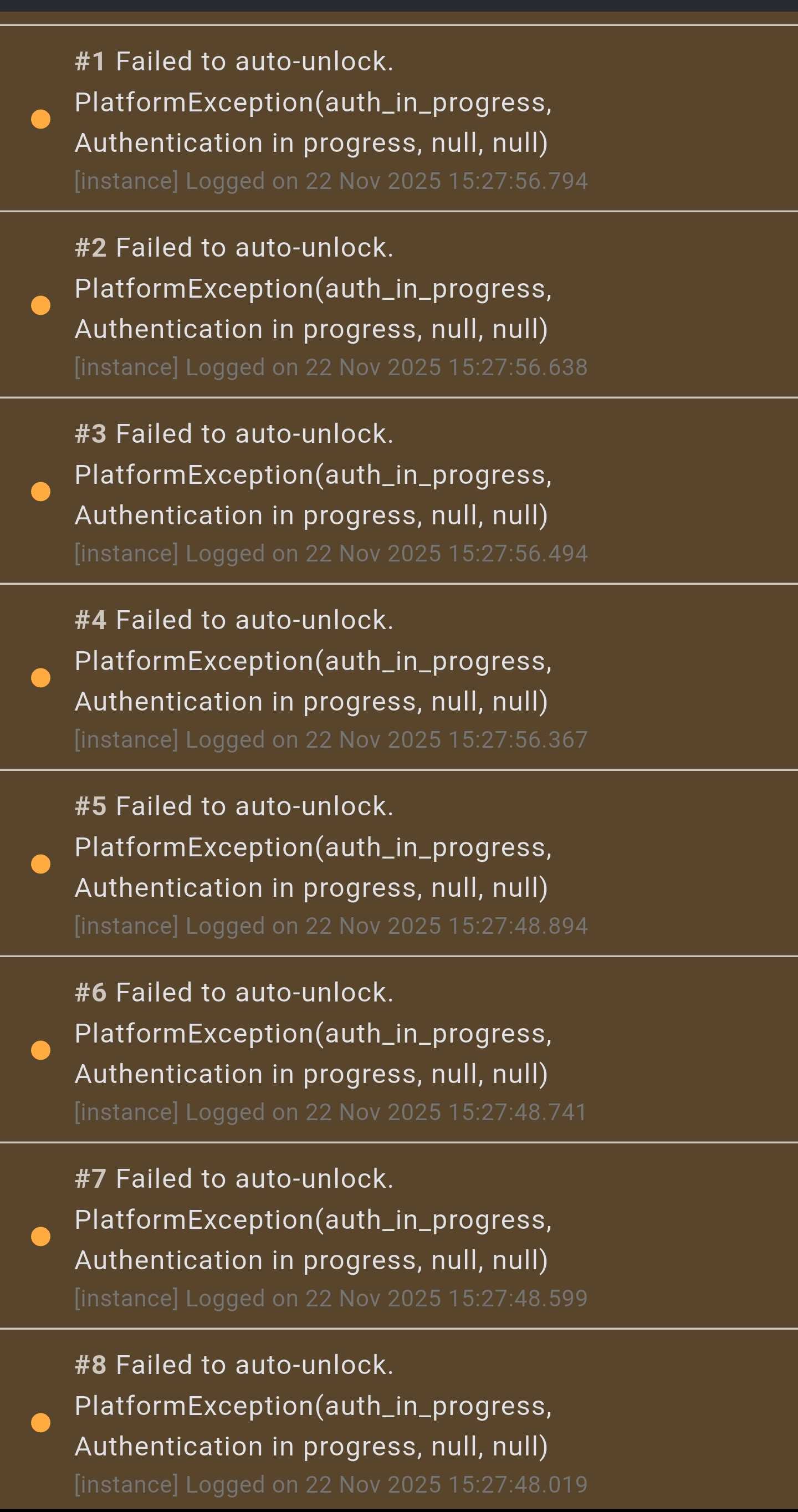
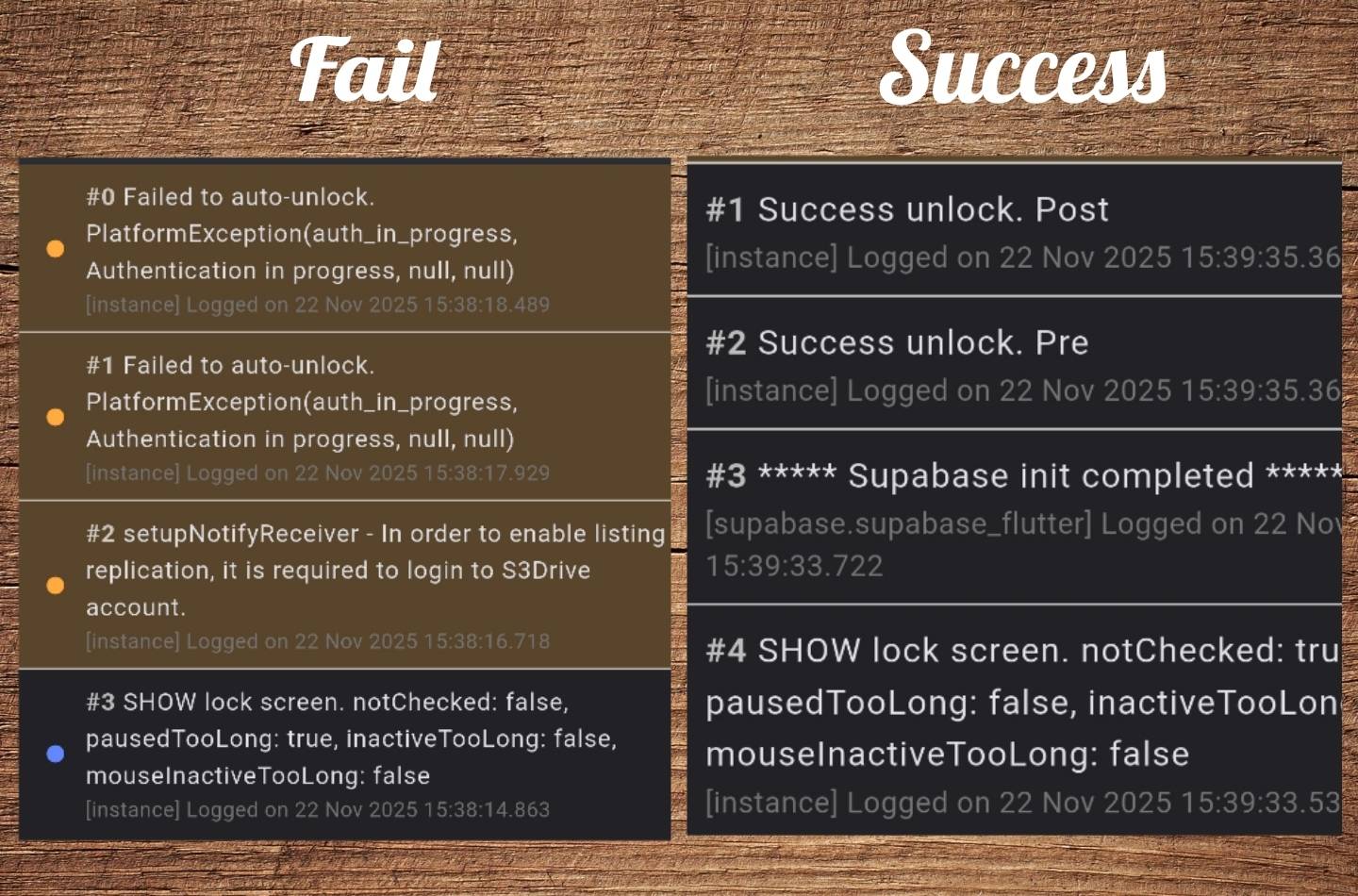
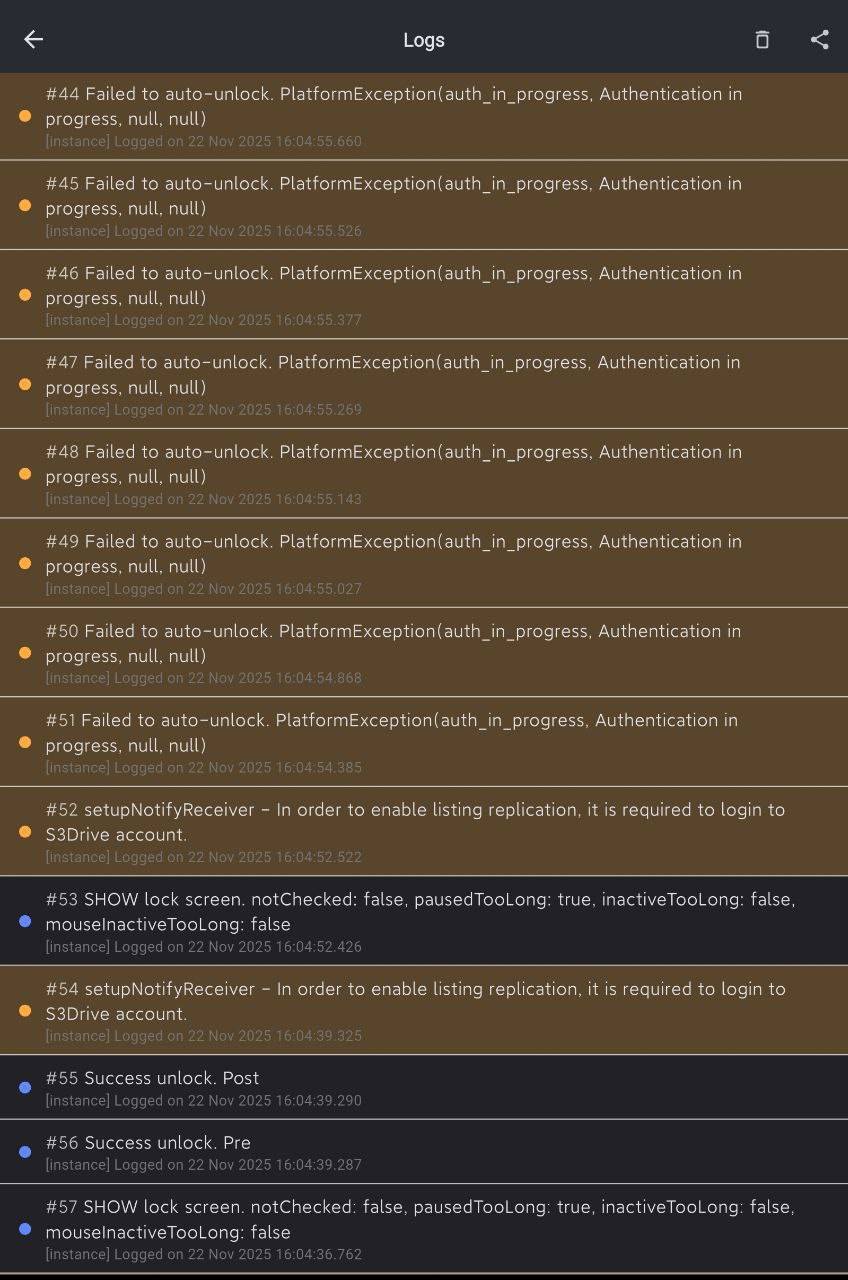
Thanks for your report. Once this issue happen can you please go to About -> Logs and let me know if you see any error message? E.g. "Failed to auto-unlock..." or "Success unlock..." etc.
9:53 AM
I am trying to reproduce it on Galaxy S21 and Android 15, but for some reason I can't, what's your phone model and Android version?
We've managed to reproduce it with Face ID, that is if both Touch and Face ID and configured and user selects Face ID, then the next time when S3Drive lock screen appears, the native Android prompt wasn't showing correctly. This will be resolved in an next version and chances are it's going to fix the issue that you're experiencing.
Ps: i don't have faceid. Xiaomi mi 11 ultra, Android 13.
Precondition:
1)add atleast one provider (slow source)
Steps:
1)first time open app (after force close)
2)unlock with finger (success)
3) return to home screen and wait 15 seconds
4) open s3drive again (old activity will load)
5) unlock with finger (success)
6) return to home screen and wait 15 seconds
7)open s3drive again (old activity will load)
8)try to unlock with finger (fail)(edited)
Hi @smad, there was an issue in an initial 1.15.8 release which was hopefully fixed in a next build. I would appreciate if you could try it out and let us know, thanks!



 1
1
